23
WI-FI PROTECTED SETUP (WPS)
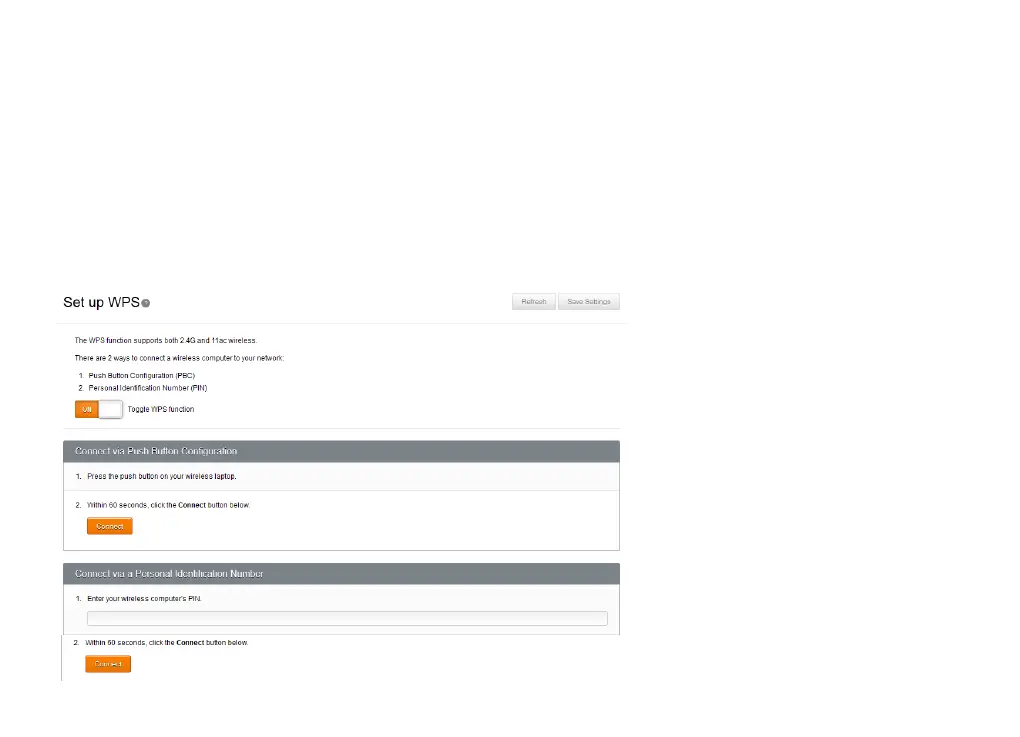
WPS (Wi-Fi Protected Setup) is a simple and secure way to connect computers and other wireless devices to
Budii Lite’s wireless network. If your device supports WPS, you have two easy options for getting connected:
× Use PBC (Push-button configuration)
× Use the wireless computer’s PIN (Personal Identification Number) to identify it to Budii Lite
®



 To Next Page