29
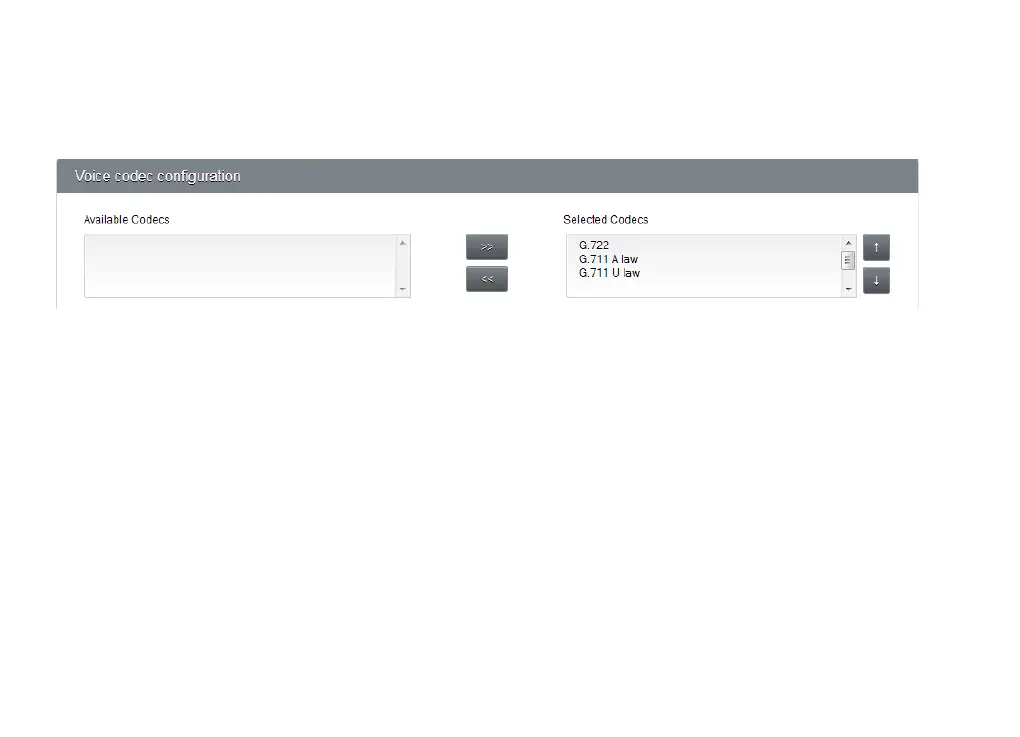
VOICE CODEC CONFIGURATION
Your voice is an analogue signal, whereas computers need to send digital information - ones and zeroes. A voice
codec is a standardised piece of software for converting your voice into ones and zeroes so your computer can
send it. Budii Lite
®
supports a few different codecs.
Adjusting Codecs
1. Click on the codec in the Available Codecs list to highlight it.
2. Click the >> button to move the codec into the Selected Codec list.
3. Likewise, you can move codecs out of the Selected Codecs list by selecting them and then clicking
the << button.



 To Next Page