9
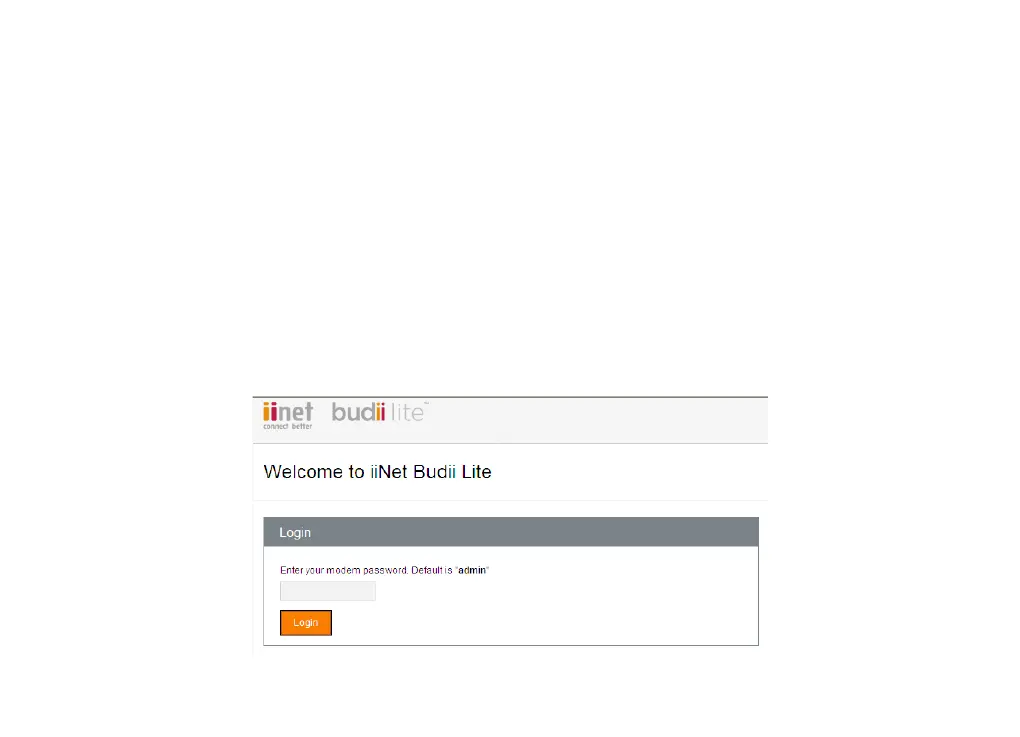
Login Page
The login page of Budii Lite
®
is the first thing you see when you’ll try to access the modem settings. It
contains useful information about your modem’s current status, letting you see what Budii Lite
®
is doing at
a glance.
To log in to Budii Lite
®
:
1. Open a web browser on your computer.
2. In the address bar, enter http://10.1.1.1 - and press Enter. It may take a minute or two to load.
3. Enter Budii Lite’s modem password where indicated on the login page. The default password is "admin".
4. Click Login.



 To Next Page