31
VOIP DIAL PLANS
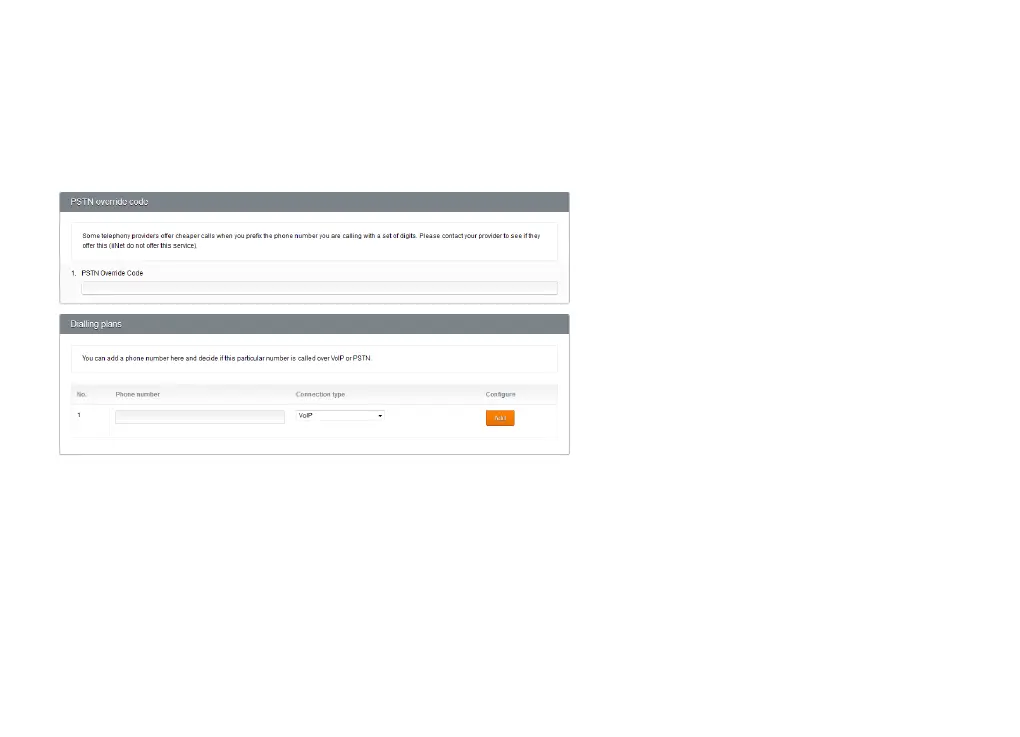
The iiNet Group does not offer a PSTN override code, so you can skip this section when configuring VoIP dial
plans, unless your VoIP service is provided by a third-party that offers this feature.
Dialling Plans
The Dialling Plans section lets you add phone numbers and decide how Budii Lite
®
will handle outbound calls to
these numbers - that is, call them through your VoIP line or through the standard telephone service (PSTN).
To configure VoIP dial plan settings:
1. At the Dialling Plans section, enter a phone number.
2. At Connection Type, select VoIP or PSTN. You may also select Block to prevent calls from the number.
3. Click Add.
4. Click Save Settings.



 To Next Page