39
SET UP A USB HARD DRIVE AS A FILE SERVER
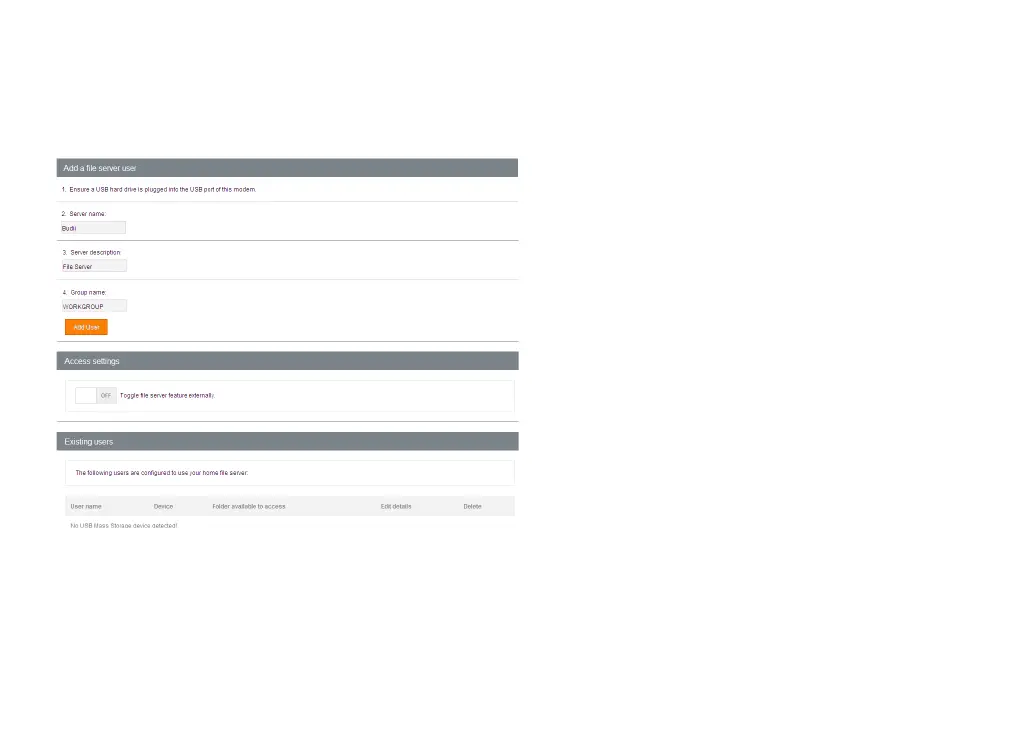
Budii Lite’s file server feature lets you set up a USB
hard drive to be accessible by the computers on
your local network (see Set up a USB hard drive as
an FTP server if you need the files to be accessible
from outside your home network).
Budii Lite's storage port supports FAT16/32 and
NTFS USB mass storage devices. It is not designed
for full Network Attached Storage function.
When you enable Budii Lite’s file server feature,
you'll need to set a username and password so
people on your home network can log in to read,
modify, add or delete files on the server.
This guide will step you through enabling and
setting up the file server. We'll also show you how
to get to the file server from a Windows computer
once it’s set up.



 To Next Page