30
VOIP PORT ADVANCED SETTINGS
Your VoIP port can be fine-tuned for better performance. Some
commonly used settings are:
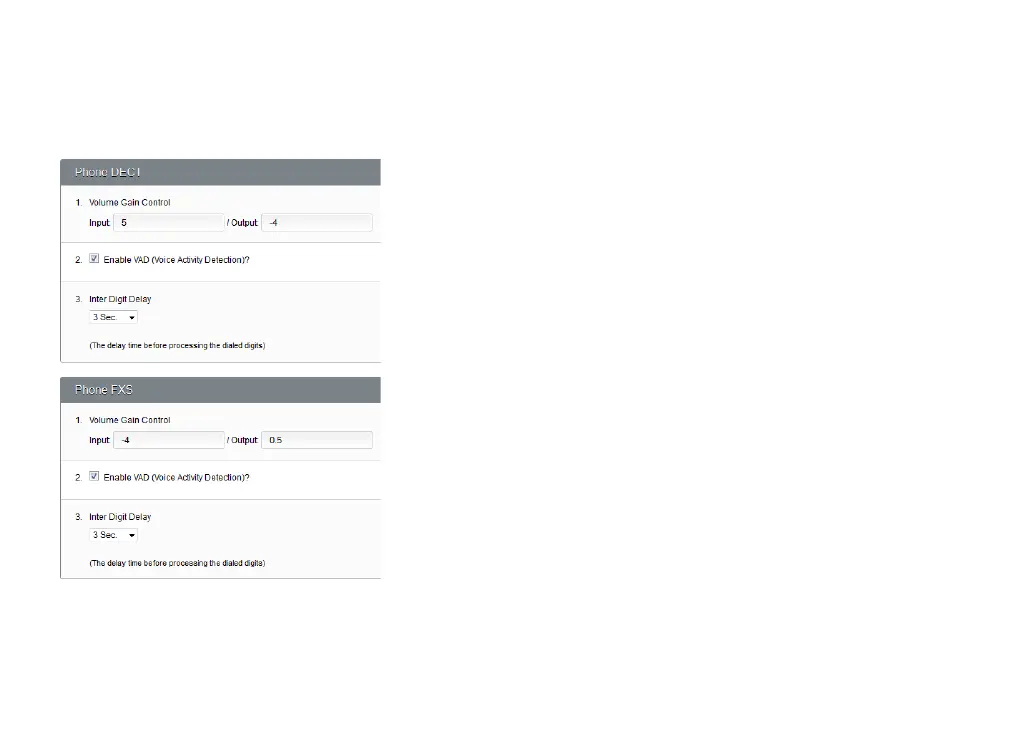
Volume gain control
If you’re having trouble hearing or being heard in VoIP calls, change
the volume gain of your handsets. Adjust input volume to make
your voice louder or softer; adjust output volume to make the other
person’s voice louder or softer. -10 is the lowest volume, while 10 is
the highest.
VAD
VAD (Voice Activity Detection) helps conserve bandwidth by only
transmitting audio data when Budii Lite
®
detects that you’re
speaking.
Inter digit delay
After the delay time entered here, your handset will assume you’ve
finished entering digits.



 To Next Page