41
Advanced Settings
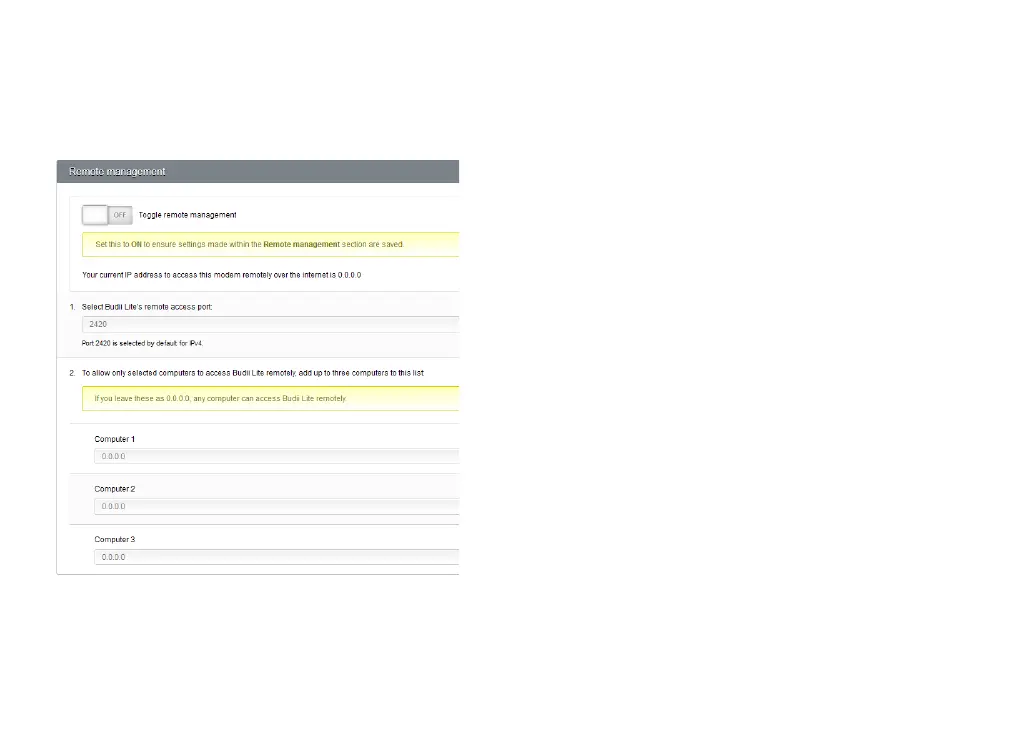
REMOTE MANAGEMENT
This is where you can change Budii Lite’s password and
enable remote management.
Budii Lite’s default password is “admin” – not hard to guess,
so we recommend you change it, especially if you’re going
to enable remote management. See Changing Budii Lite’s
Admin Password on page 43 for instructions.
Budii Lite’s remote management gives you access to your
settings from any computer connected to the Internet
- handy if you need to reconfigure while you’re out and
about. This setting is disabled by default.



 To Next Page