43
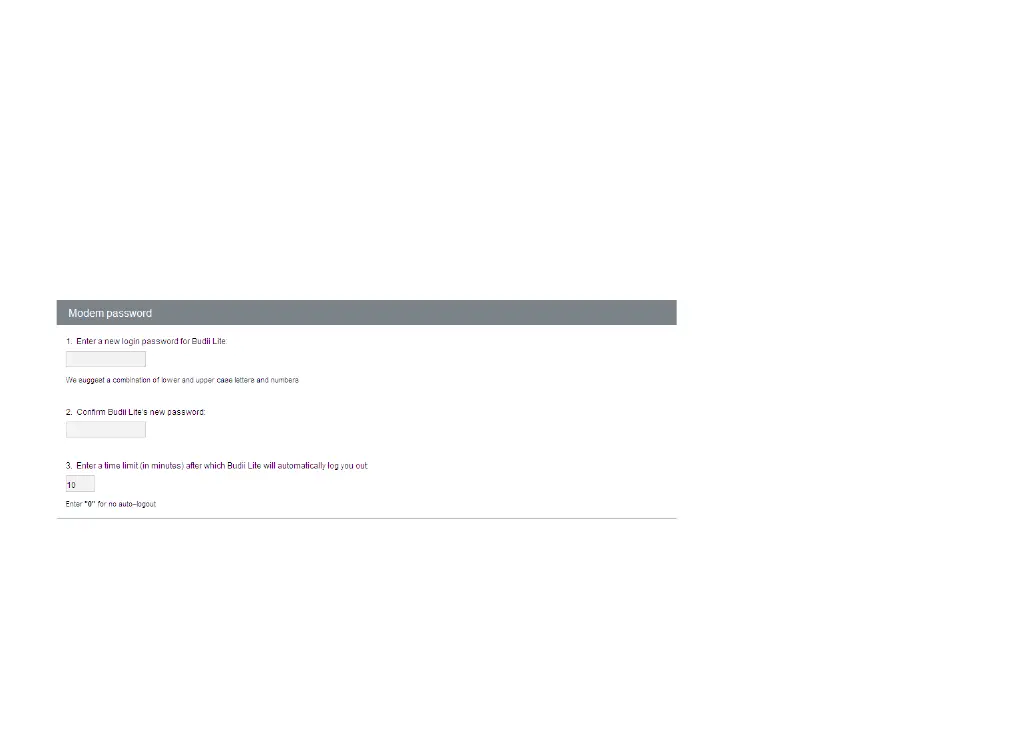
CHANGING MODEM PASSWORD
Changing your default modem login password from admin is strongly recommended, to further protect
Budii Lite
®
from unauthorised access.
You can change the password inside the Modem password & remote management page, found under Advanced
Settings in the Navigation Bar. For the best security, you should use a combination of lower and upper-case
letters, numbers and punctuation marks.



 To Next Page