60
PORT FORWARDING
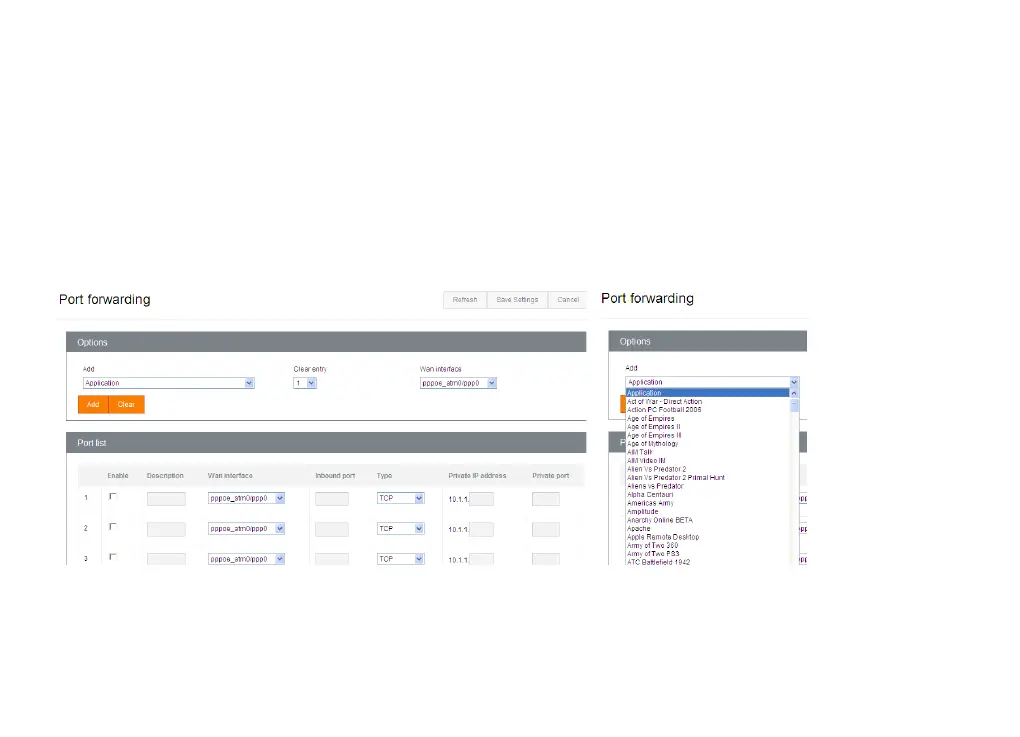
Some Internet applications and devices, such as game consoles, require certain data ports to be made available in
Budii Lite’s firewall. The ports need to be set up to ‘forward’ information from external Internet sources, such as
game servers, to particular ports on your Internet devices.
You can do this from the Port Forwarding page. You can enter port information manually in the Port list table, or
you can select from a list of common applications.
Enable
Tells Budii Lite
®
whether or not to redirect traffic for this port. This means you can set up a port forwarding rule
and un-tick the Enable box to keep the settings for use at a later date.



 To Next Page