64
Handy Tools
The Handy Tools page contains several important maintenance options for your Budii Lite
®
.
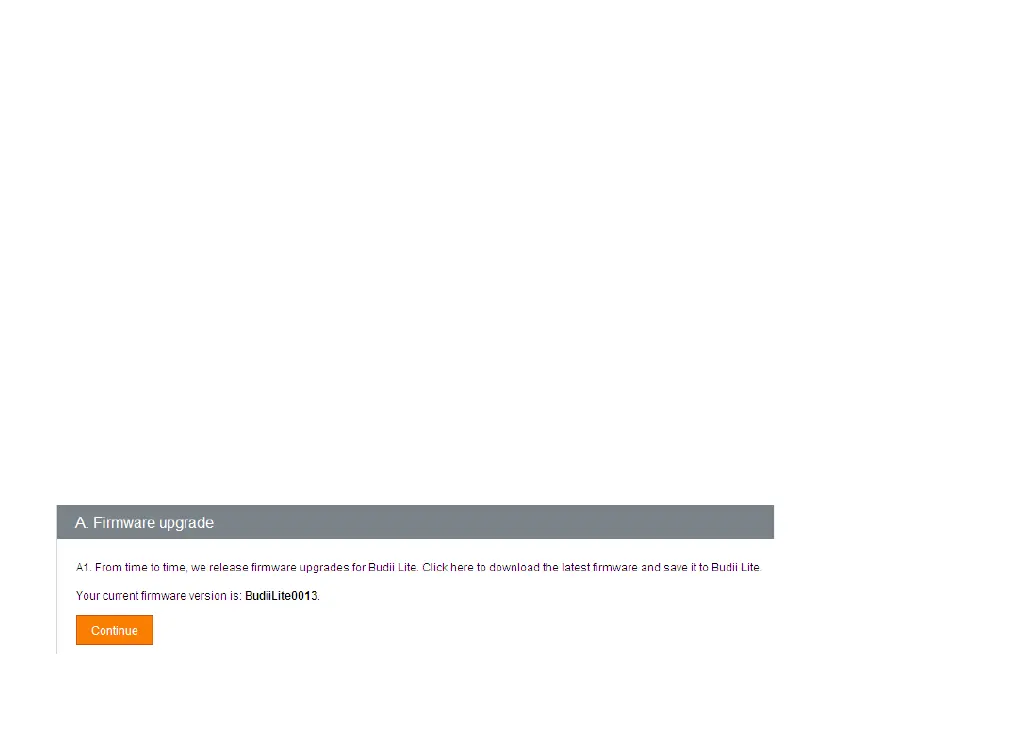
FIRMWARE UPGRADE
Allows you to upgrade the software on your Budii Lite
®
.
Firmware is a type of semi-permanent software, stored on Budii Lite
®
. From time to time, iiNet Labs may
release updates to your modem’s firmware. The firmware upgrade tool lets you install these updates.
To upgrade Budii Lite’s firmware:
1. At Firmware upgrade, click Continue.
2. Click the download link.
3. Locate your product and download the firmware file.
4. Click Choose file and locate the file you downloaded.
5. Click Upgrade firmware.



 To Next Page