InfiNet Wireless R5000 Technical User Manual
Copyright © 2004-2010 by InfiNet Wireless
75
Performance tests
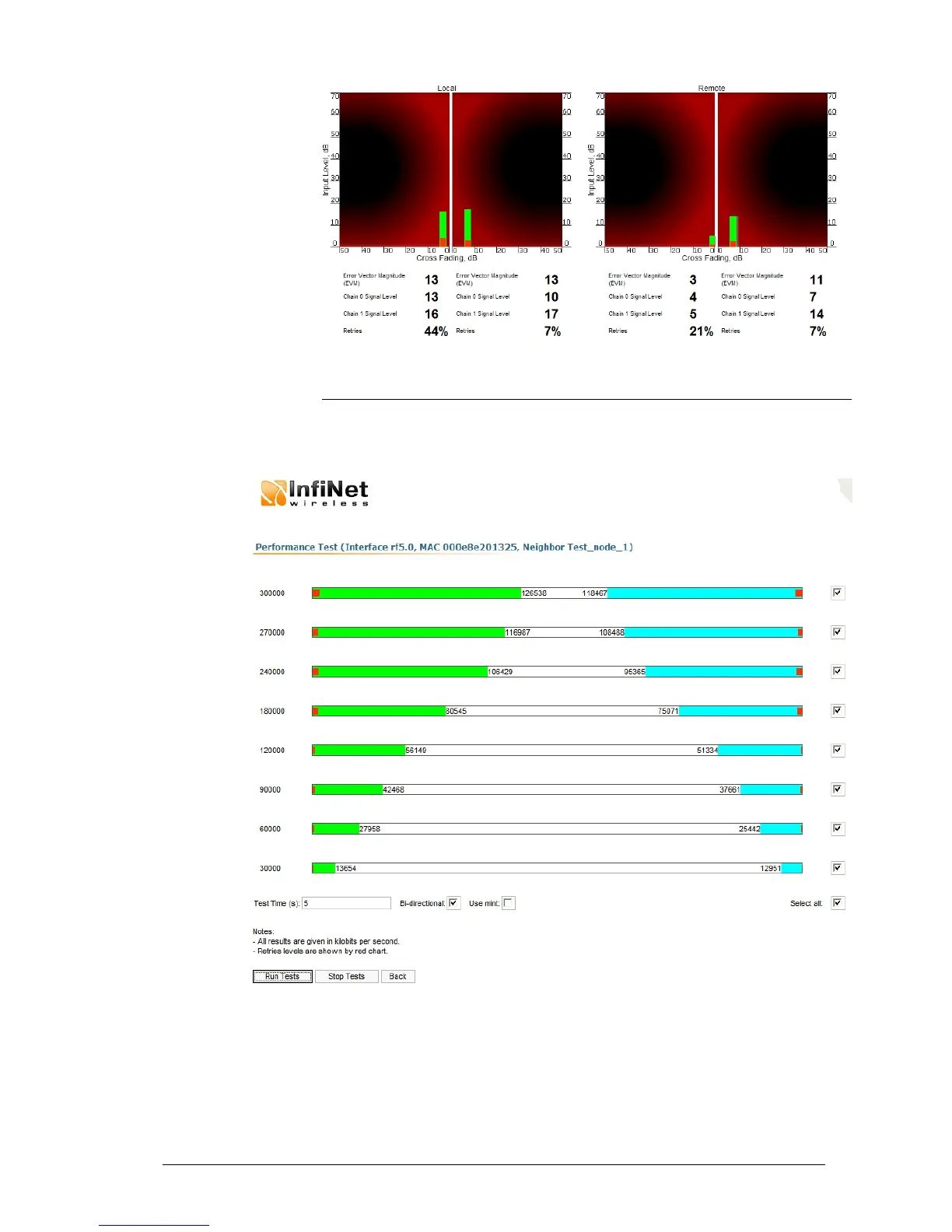
The “Performance tests” page allows performing link throughput tests on all the
bitrates that are available for the configured channel bandwidth.
“Performance tests” page view is shown below:
“Run Tests”/”Stop Tests” buttons at the bottom of the page start/stop the
performance tests.
“Back” button returns to the “Device Status” page.
Each row corresponding to a certain bitrate value can be selected or deselected
for participating in the performance test by using a check-box on the right of it.
By using “Select all” check-box all the bitrates could be selected/deselected at
once.



 To Next Page