EasyManua.ls Logo

InFocus IN3136a - Computer Input Settings; Computer Menu Options

InFocus IN3136a
71 pages
Print Icon
To Next Page IconTo Next Page
To Previous Page IconTo Previous Page
Loading...
22
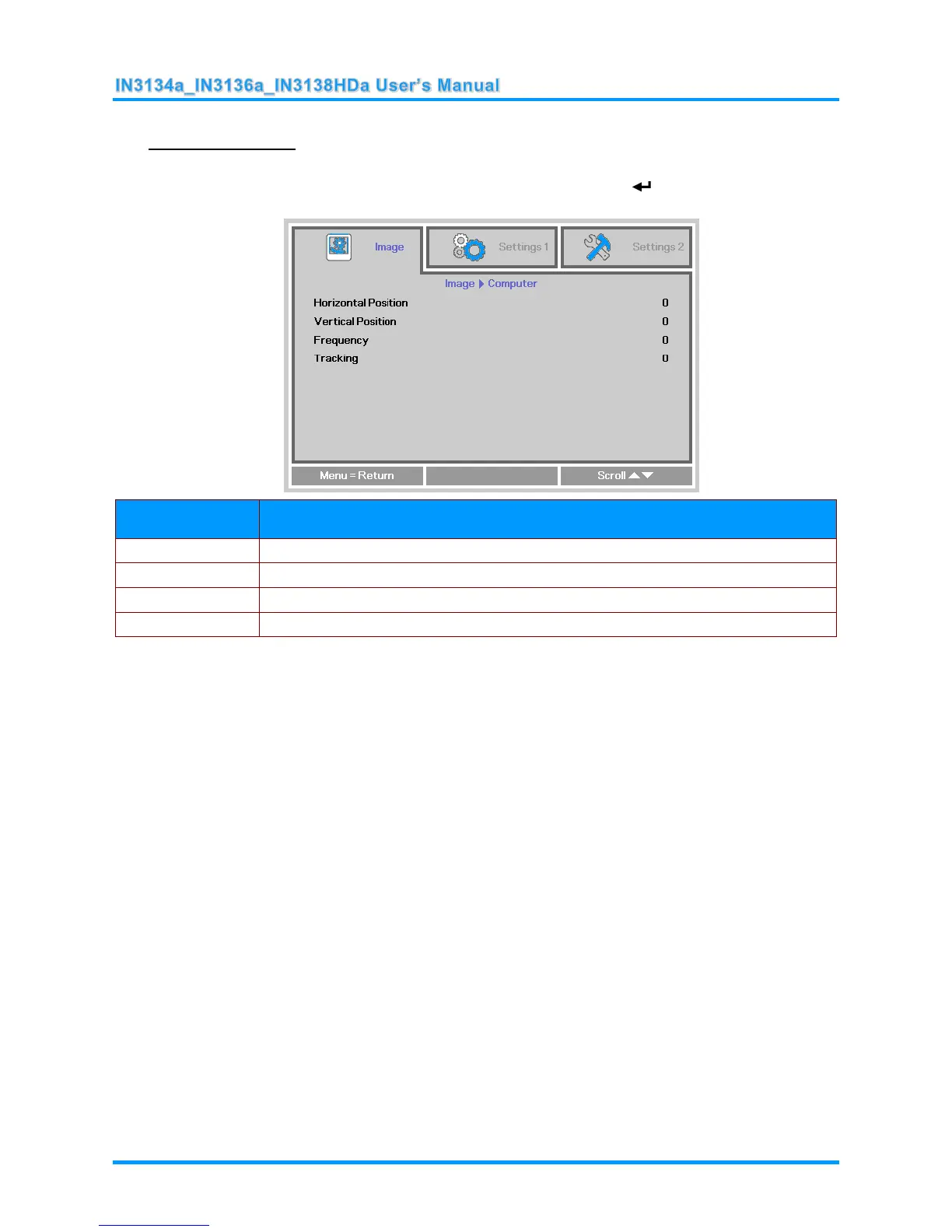
Computer Menu
Press the MENU button to open the OSD menu. Press the ◄► buttons to move to the Image menu.
Press the ▲▼ buttons to move to the Computer menu and then press (Enter) or ►. Press the
▲▼ buttons to move up and down in the Computer menu.
ITEM
DESCRIPTION
Horizontal Position
Press the ◄► buttons to enter and adjust the display position to left or right.
Vertical Position
Press the ◄► buttons to enter and adjust the display position to up or down.
Frequency
Press the ◄► buttons to enter and adjust the A/D sampling clock.
Tracking
Press the ◄► buttons to enter and adjust the A/D sampling dot.

Table of Contents

Related product manuals