X1 Service Guide 32
Remove and Replace the Front Bezel
The front bezel (505-1509) covers the front of the projector and helps to secure the top case to the
bottom case. Two screws at the bottom and two tabs and a slotted receiver on the top of the front bezel
hold it in place on the projector. The front bezel includes the front IR lens.
Remove the Front Bezel
1. Remove the following items:
Focus ring (page 30)
Zoom ring (page 30)
2. Place the projector upside down on a soft work surface.
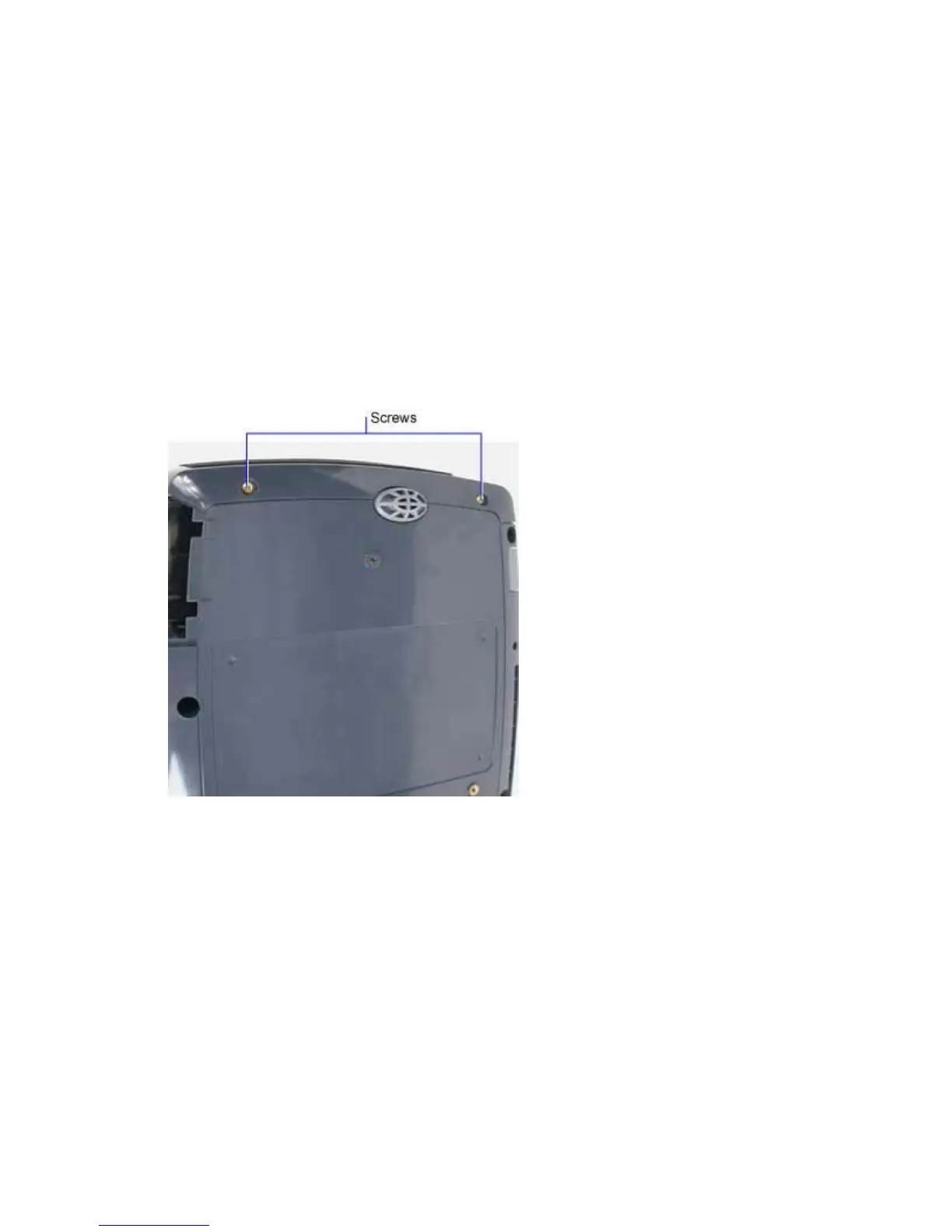
3. Remove the two M3x10 Plastite Phillips screws that fasten the front bezel to the bottom case.
4. Turn the projector right side up on the work surface. Gently pull the top of the front bezel away
from the projector. The two tabs and slotted receiver on the front bezel disengage from the
projector. You may need to use a small flat-blade screwdriver to depress the slotted receivers on
the top case to get them to disengage from the tabs on the front bezel.



 To Next Page