X1 Service Guide 90
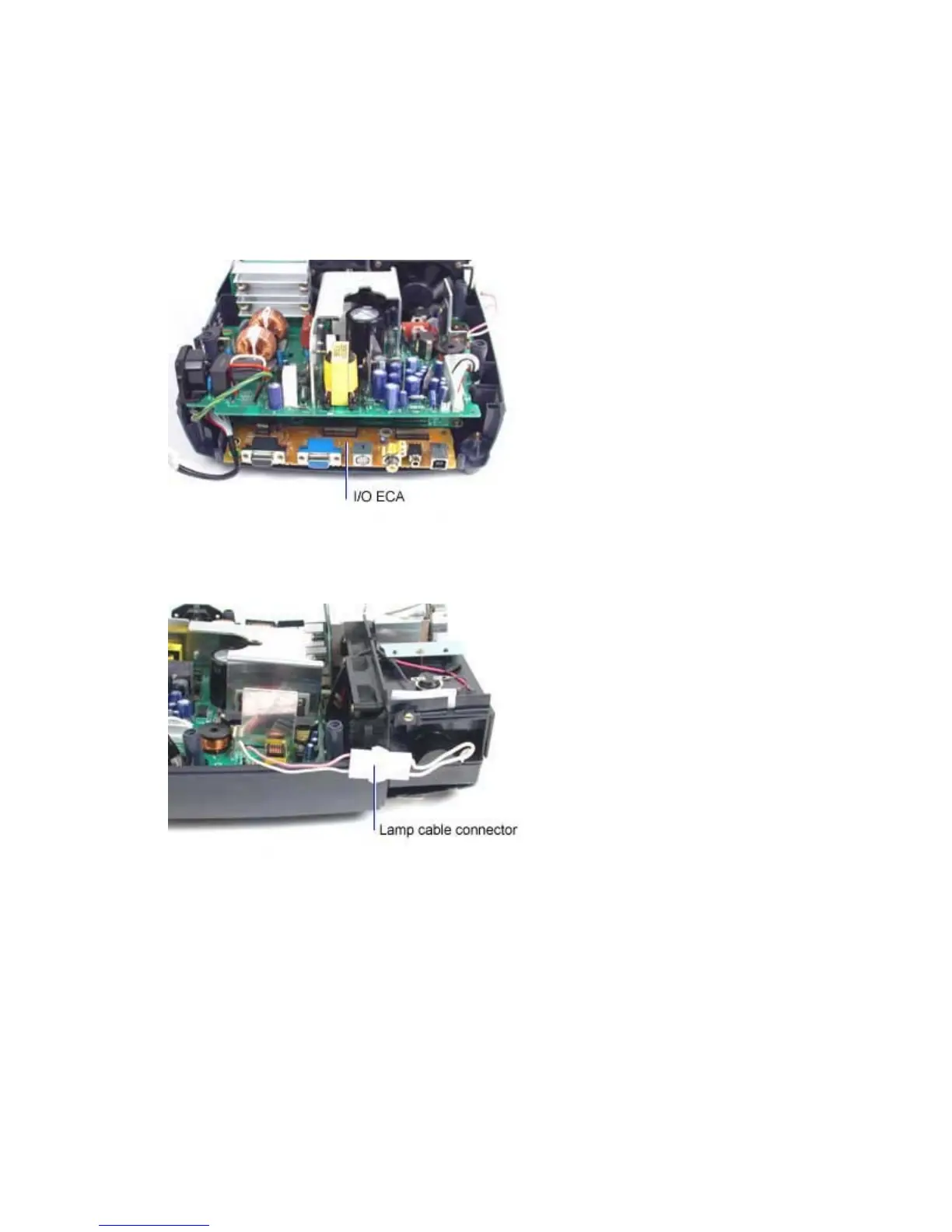
Check I/O ECA Voltages and Signals
1. Prepare for projector power up with the top case removed. (page 80)
2. Remove the chassis. (page 12)
3. Position the ballast/power supply ECA in or near enough to the projector to connect the
controller/power supply cable from the controller ECA. Be sure that there is enough space above
the I/O ECA to allow use of measurement probes.
4. Connect the lamp to the lamp cable connector at the side of the lamphouse. Make sure the
connector fully engages the connector on the lamp module.



 To Next Page