X1 Service Guide 67
Image Problems
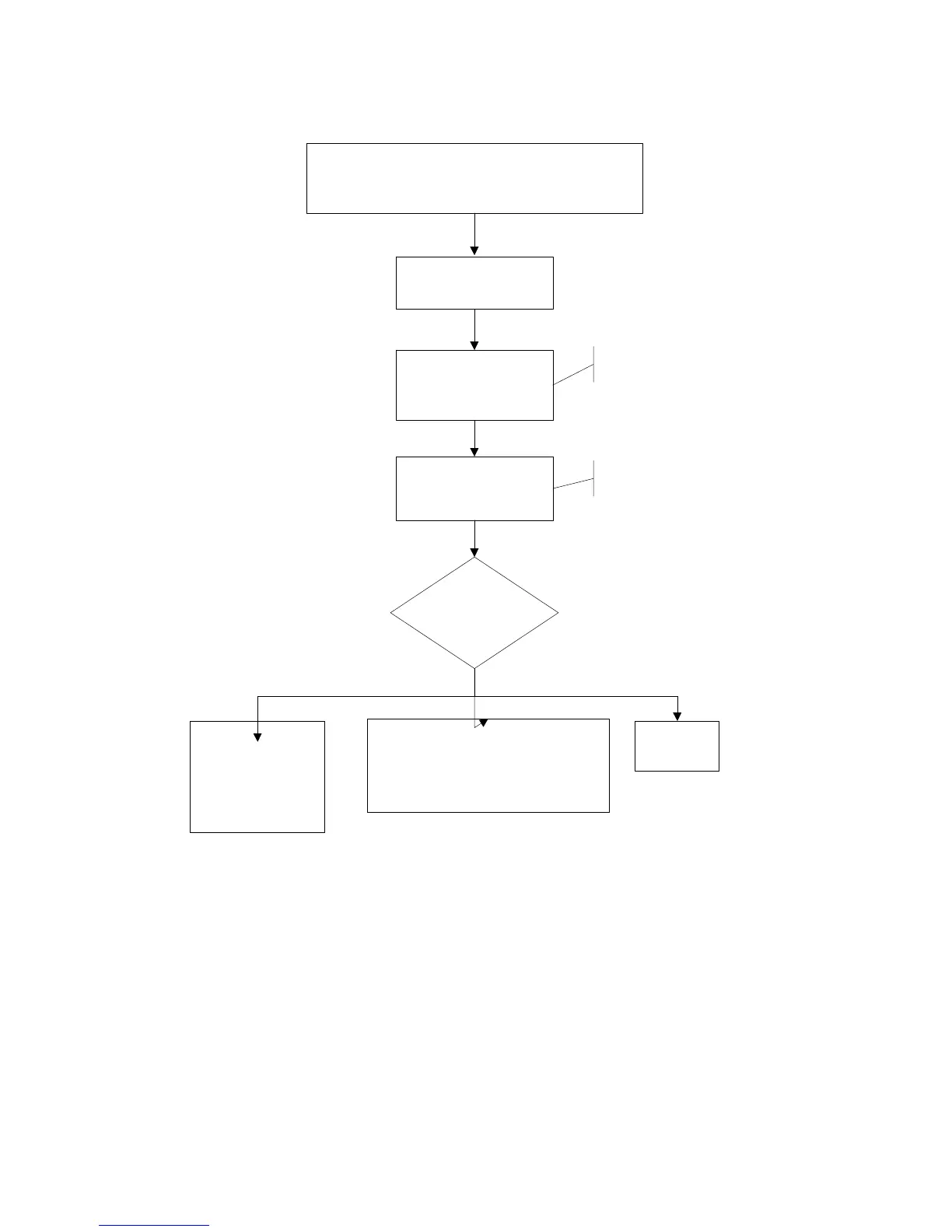
The image is not correct.
The projector starts and runs normally.
The menus are accessible. The lamp is lit.
No image at all.
Vertical or horizontal
lines.
Sparkley picture.
Clusters of dark pixels.
(page 68)
Bad or missing tint or color
Missing logo, VGA, composite video, or S-
video Distorted image, noisy, rolling, torn,
frozen, 'plaid', repeated, or shifted image
(page 69)
Flash the projector
with the latest software.
Confirm that all image
adjustments are set to the
factory defaults.
Select Factory Reset from
the Settings>Service menu.
Confirm that the cables and
the source signals are good.
If in doubt, feed the signal
to a good projector.
What is the problem?
Dim image
(page 70)



 To Next Page