X1 Service Guide 35
Remove and Replace the I/O ECA
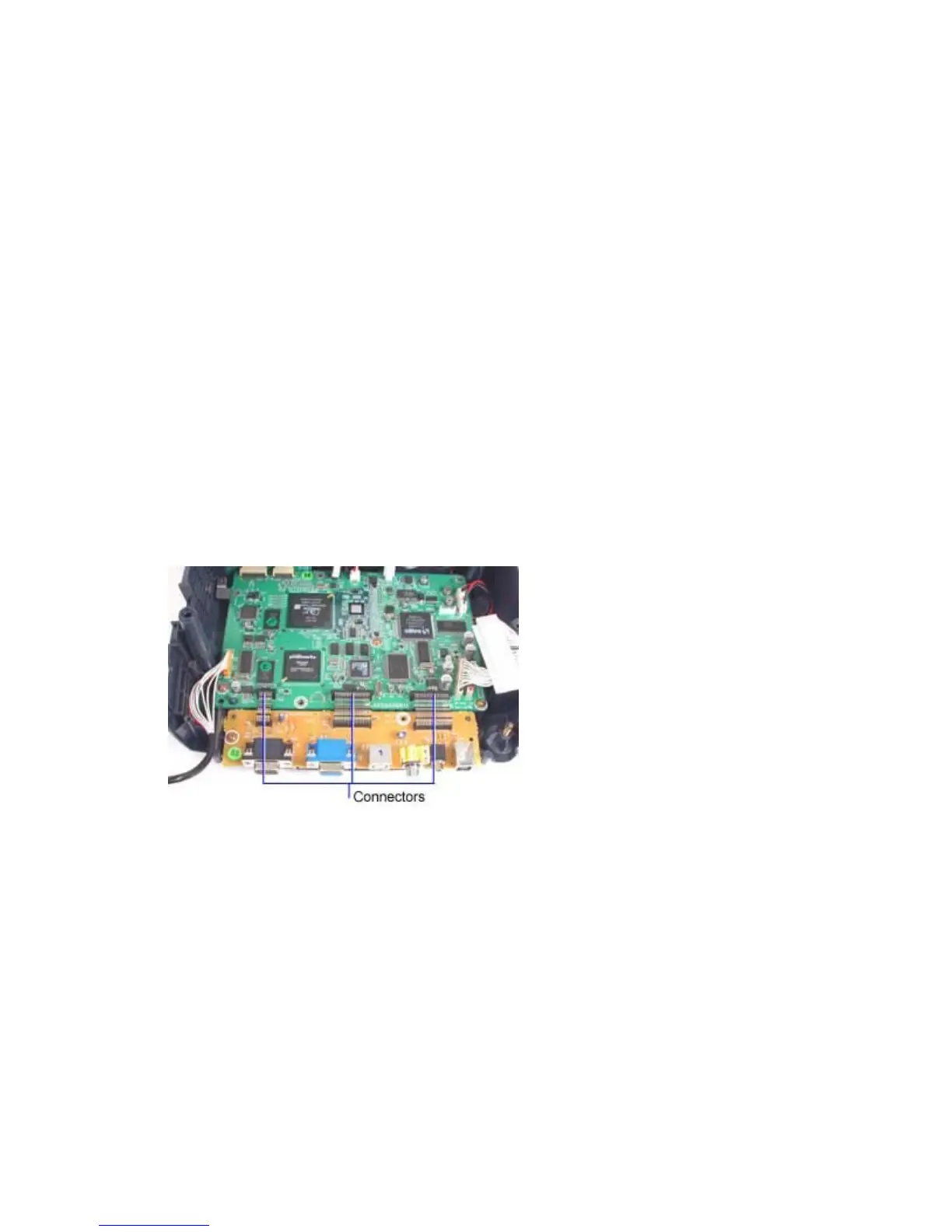
The I/O ECA (510-1800-xx) contains the connectors for interfacing the projector with external devices.
Ribbon cables carry the I/O signals into and out of the controller ECA where all signal processing takes
place. The I/O ECA is located at the backside of the projector behind the controller ECA
1. Remove the following items:
Lamp module (page 42)
Focus ring (page 30)
Zoom ring (page 30)
Front bezel (page 32)
Rear bezel (page 49)
Top case (page 52)
Ballast/power supply ECA (page 6)
Chassis (page 12)
2. Unplug the connectors at the ends of the three ribbon cables that connect the I/O ECA to the
controller ECA.



 To Next Page