X1 Service Guide 36
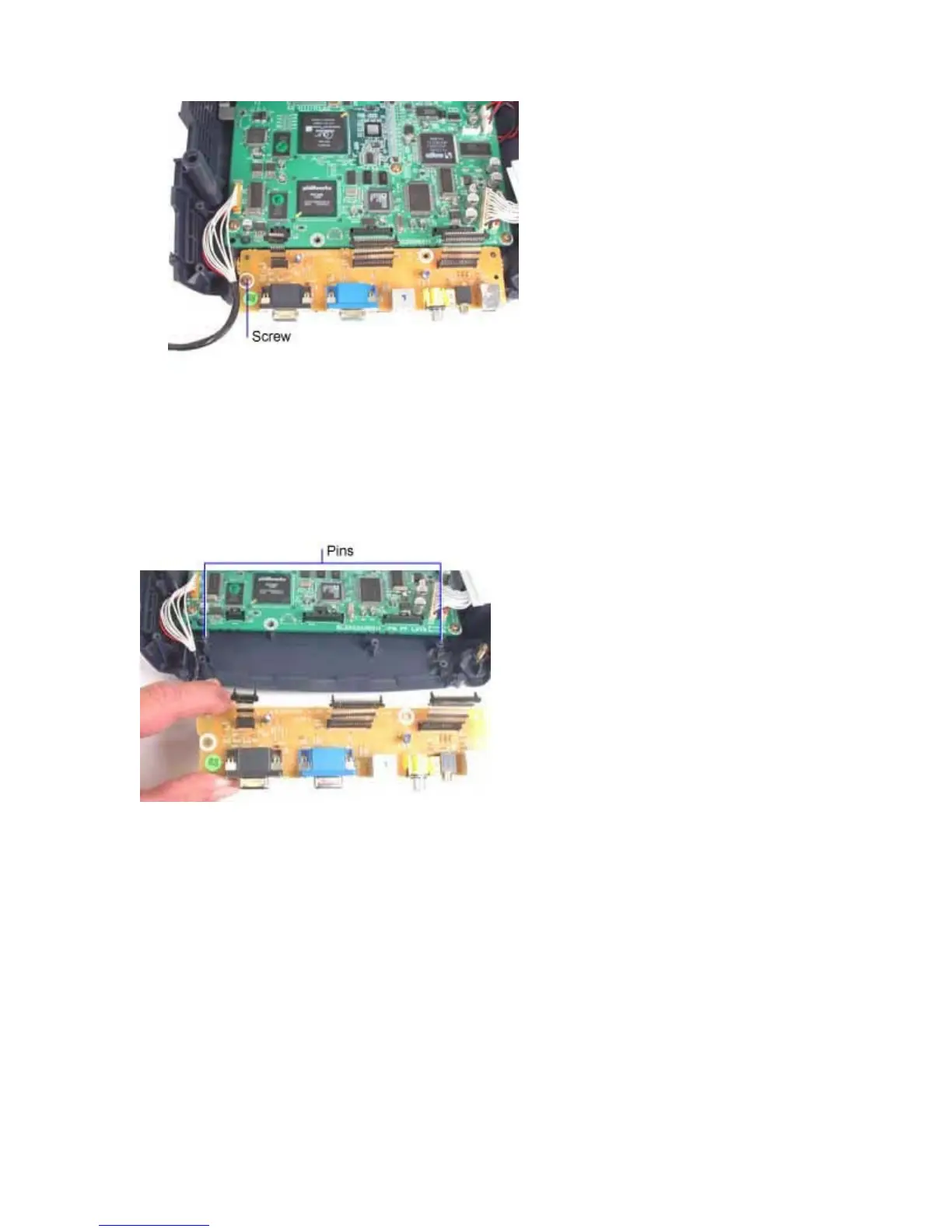
3. Remove the M3x10 Plastite Phillips screws that fastens the I/O ECA to the bottom case.
Assembly Notes
♦ Avoid sharply bending the ribbon cables that connect the I/O ECA to the controller ECA. When you
replace the I/O ECA, ensure that the connectors on the cables fully engage connectors CN702,
CN700 and CN701 on the controller ECA.
♦ Make sure that the holes in the I/O ECA align properly with the two pins on the bottom case.
♦ Replace and tighten the M3x10 Plastite Phillips screw securely. Do not overtighten the screw.



 To Next Page