X1 Service Guide 37
Remove and Replace the I/O EMI Shield
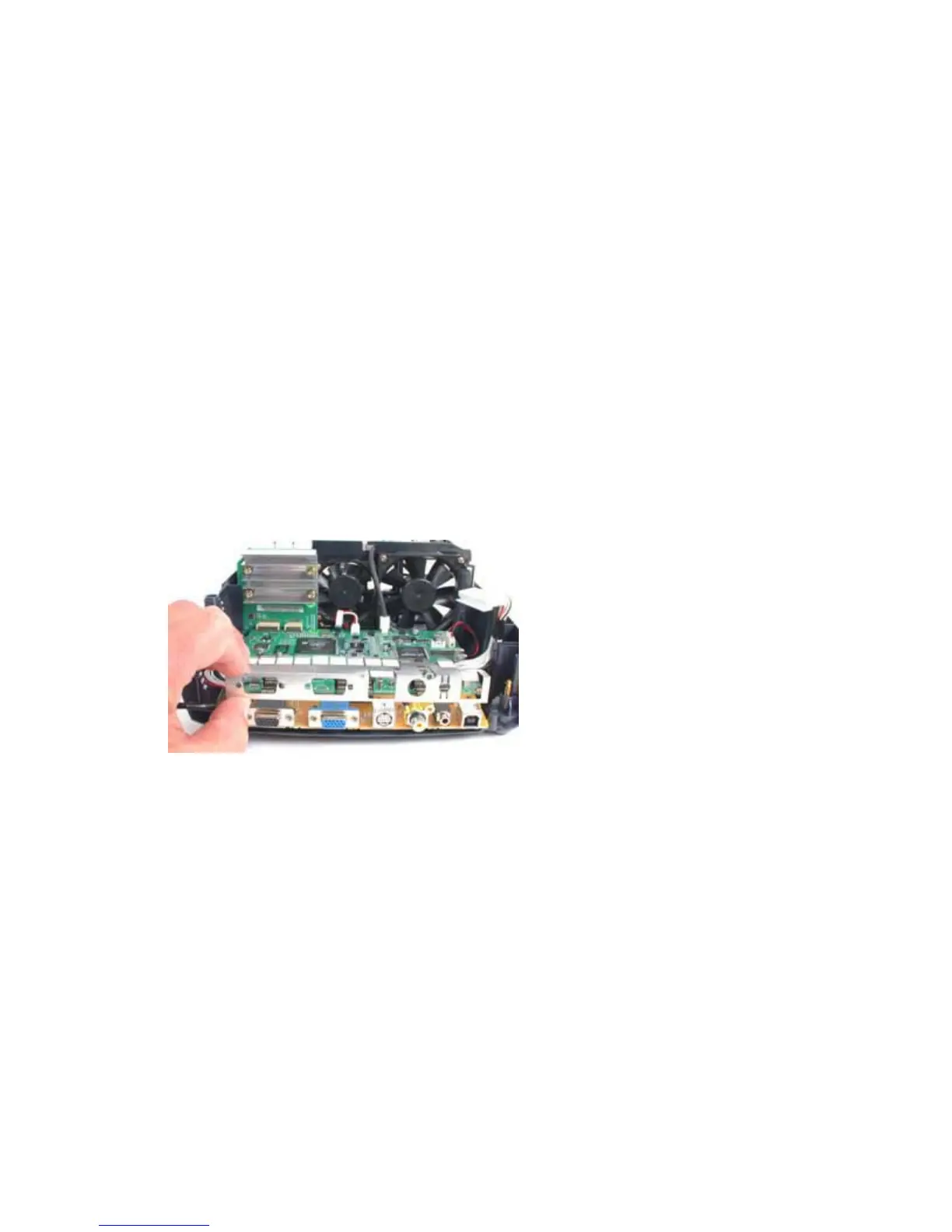
The I/O EMI shield (330-0964-xx) fits over the I/O connectors on the rear of the I/O ECA. The shield lies
behind the chassis. The I/O EMI shield and chassis fasten to the I/O ECA with four jack screws.
1. Remove the following items:
Lamp module (see page 42)
Focus ring (see page 30)
Zoom ring (see page 30)
Front bezel (see page 32)
Rear bezel (see page 49)
Top case (see page 52)
Ballast/power supply ECA (see page 6)
Chassis (see page 12)
2. Pull the I/O EMI shield off of the connectors on the I/O ECA. Take care not to bend the shield or
the contact fingers as you work the shield off.
Assembly Notes
♦ Make sure the shield and contact fingers aren't bent and that the shield contacts the I/O connectors.



 To Next Page