X1 Service Guide 82
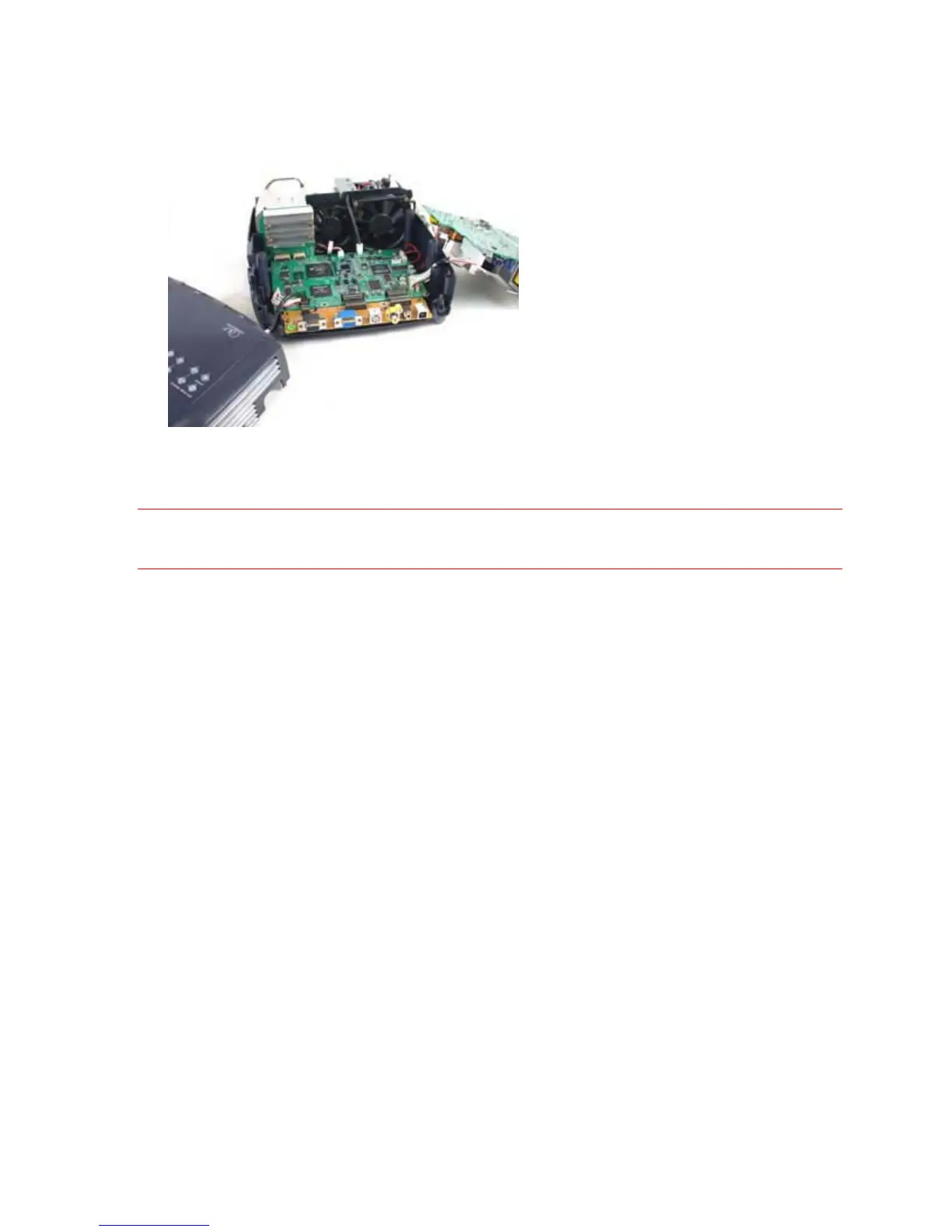
5. Position the top case right side up at the rear of the projector.
6. Extend the keypad cable from the rear of the projector and plug it into the keypad connector on
the top case.
7. Connect the projector to AC power.
8. Power up the projector, and check the voltages using the illustration on the next page.
CAUTION When you start the projector, there is voltage present on the controller ECA and power supply. Be
very careful where you probe and where you touch.



 To Next Page