49
Frame
Product Support: www.instron.com
17
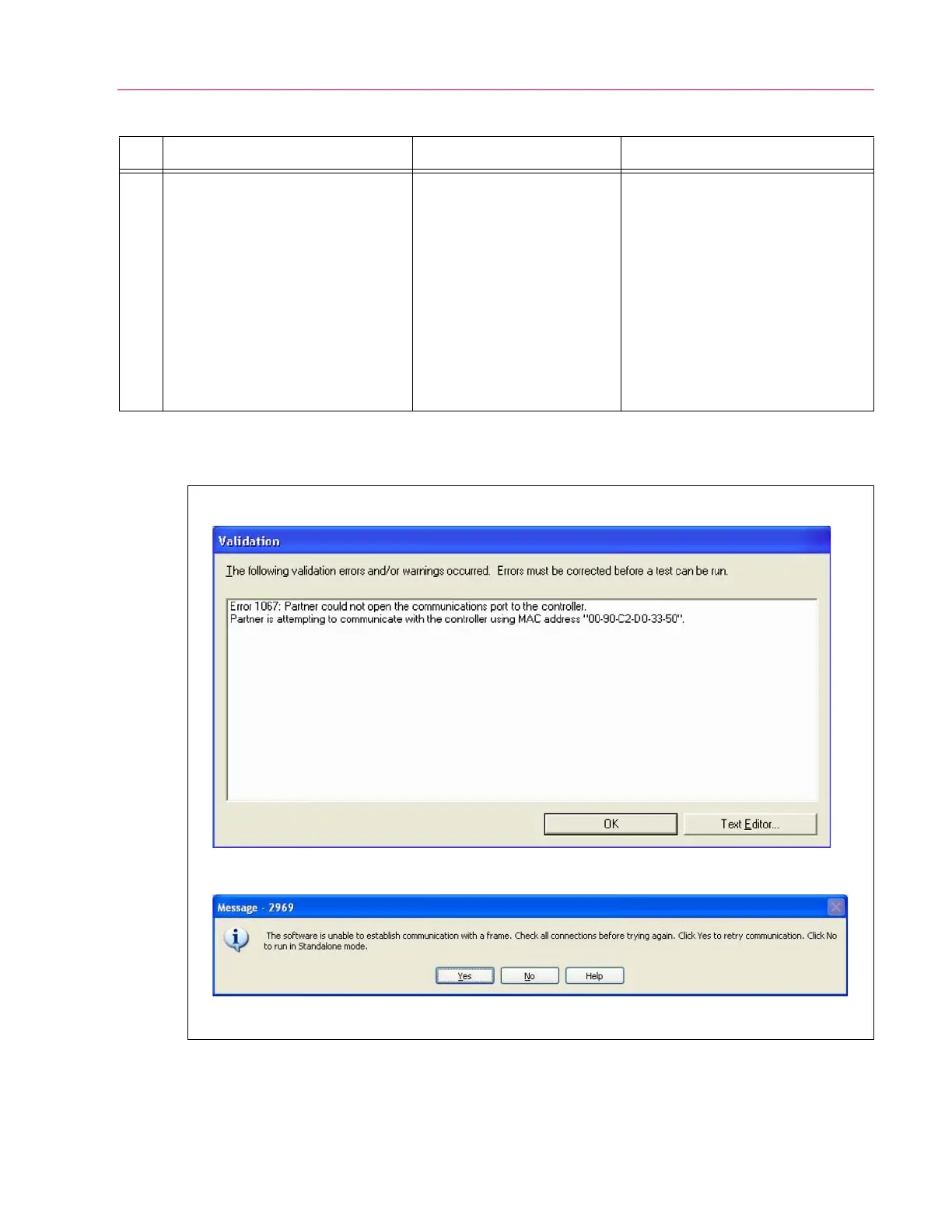
• The software posts an error
message like the one shown in
Figure 18
• EFI cable could be damaged
or have loose connections
• Communication problem
between EFI and 59 Series
control unit or EFI and
software
• Incorrect version of
controlling software is in use
• Check the cable for damage and
check that connections are secure
• Check that the correct Ethernet
crossover cable is being used
• Check IP settings, they should match
those shown in Figure 19
• Verify that the software version is
8.2a or above for Partner, or 2.15 or
above for Bluehill
• If none of the above correct the
problem, then contact your local
Instron Services department as
directed on page 13
Table 5. Troubleshooting the DX system. (Continued)
No. Possible Indications Possible Problem Solution
Figure 18. Controlling software error messages.
Partner Software
Bluehill Software


 To Next Page
 Loading...








