EasyManua.ls Logo

Instron DX Series - User Manual

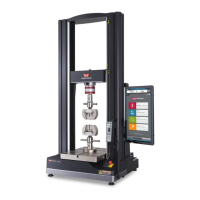
Instron DX Series
96 pages
Print Icon
To Next Page IconTo Next Page
Loading...
www.instron.com
Industrial Products Group
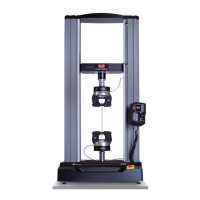
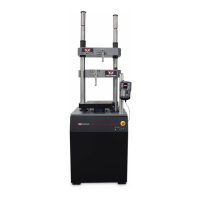
Model DX Static Hydraulic
Universal Testing System
Operating Instructions
M47-17027-EN Revision C
The difference is measurable
®

Table of Contents

Other manuals for Instron DX Series

Questions and Answers

  • J
    josephzamoraSep 13, 2025
    Why does oil temperature exceed temperature switch setpoint on Instron DX Test Equipment?
    • C
      Craig HamiltonSep 13, 2025
      If the oil temperature exceeds the temperature switch setpoint on your Instron Test Equipment, check for proper fan operation and correct any issues. Clean or replace the air filters. Ensure environmental conditions meet the specified requirements. The oil temperature must drop below approximately 68 deg. C (155 deg. F) to reset the switch, after which the HPS can be started.

Instron DX Series Specifications

General IconGeneral
SoftwareBluehill Universal
Frame TypeDual column
ApplicationsTensile, compression, flexure
Frame StiffnessHigh stiffness for accurate measurements
Test Speed Range1000 mm/min
Displacement Resolution0.0001 mm
Load Measurement Accuracy+/- 0.5% of reading
Control Modesdisplacement, strain, position
Data Acquisition RateUp to 2 kHz
Power Requirements220-240 V, 50/60 Hz
WeightVaries by model
Load Capacity5 kN to 500 kN (1, 125 lbf to 112, 500 lbf) depending on model

Related product manuals