36
Initial Setup
2. Connect the unit to Wi-Fi
1. Turn on the power of the unit.
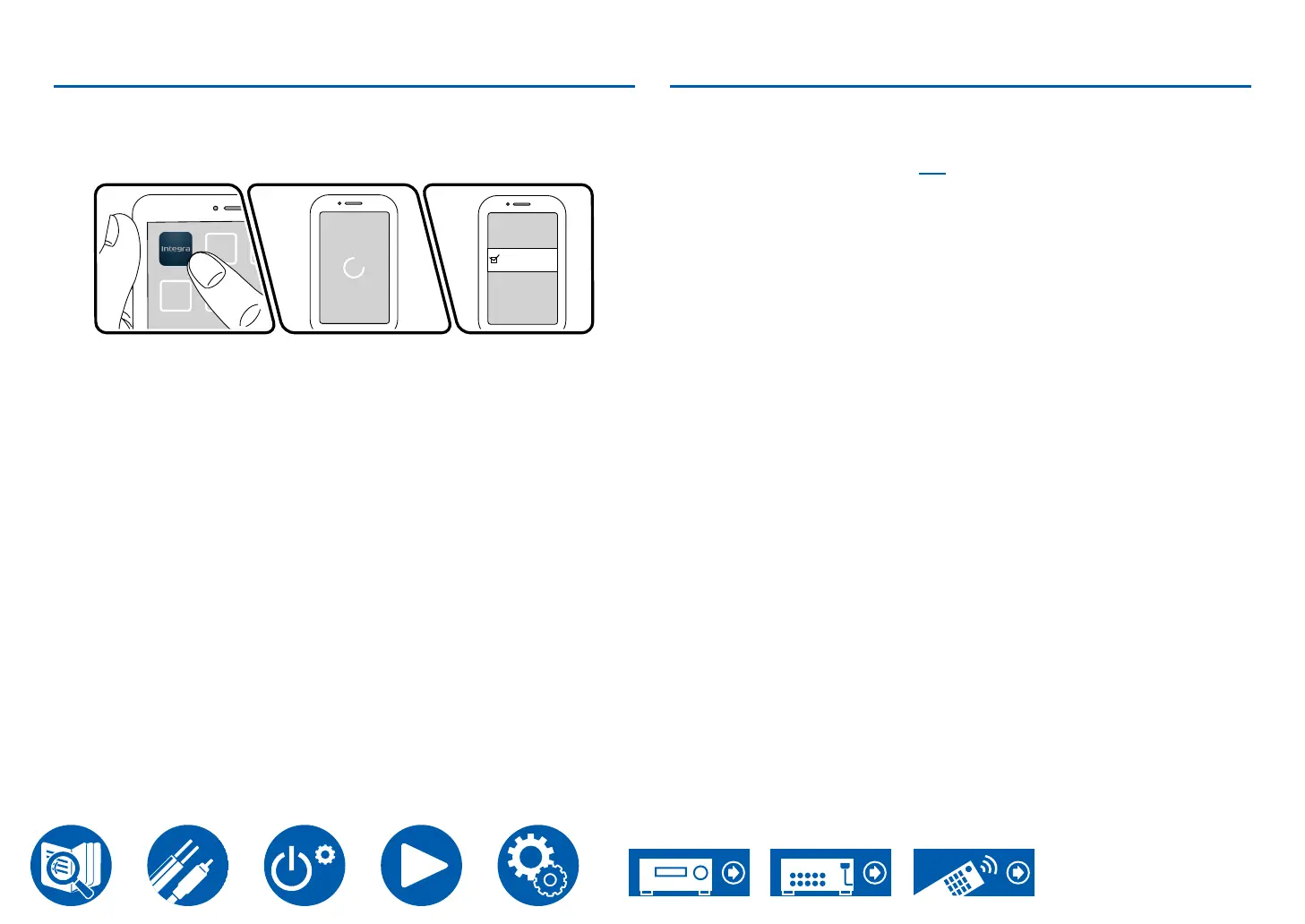
2. Start Integra Control Pro. The search for this unit starts automatically when
you start the app.
3. When this unit appears in the list of devices, tap it to select it.
DTM-7.4
DTM-7.4(192.168.XXX.XXX)
4. Follow the guidance in the app to connect this unit via Wi-Fi.
Set the impedance
and it is anticipated that they will be used continuously at full power, you have to
set the impedance. Press the Setup button on the remote controller, then set “1.
Audio” - “Speaker Impedance” ( →p77) to “4ohms”.



 To Next Page