41
Playback
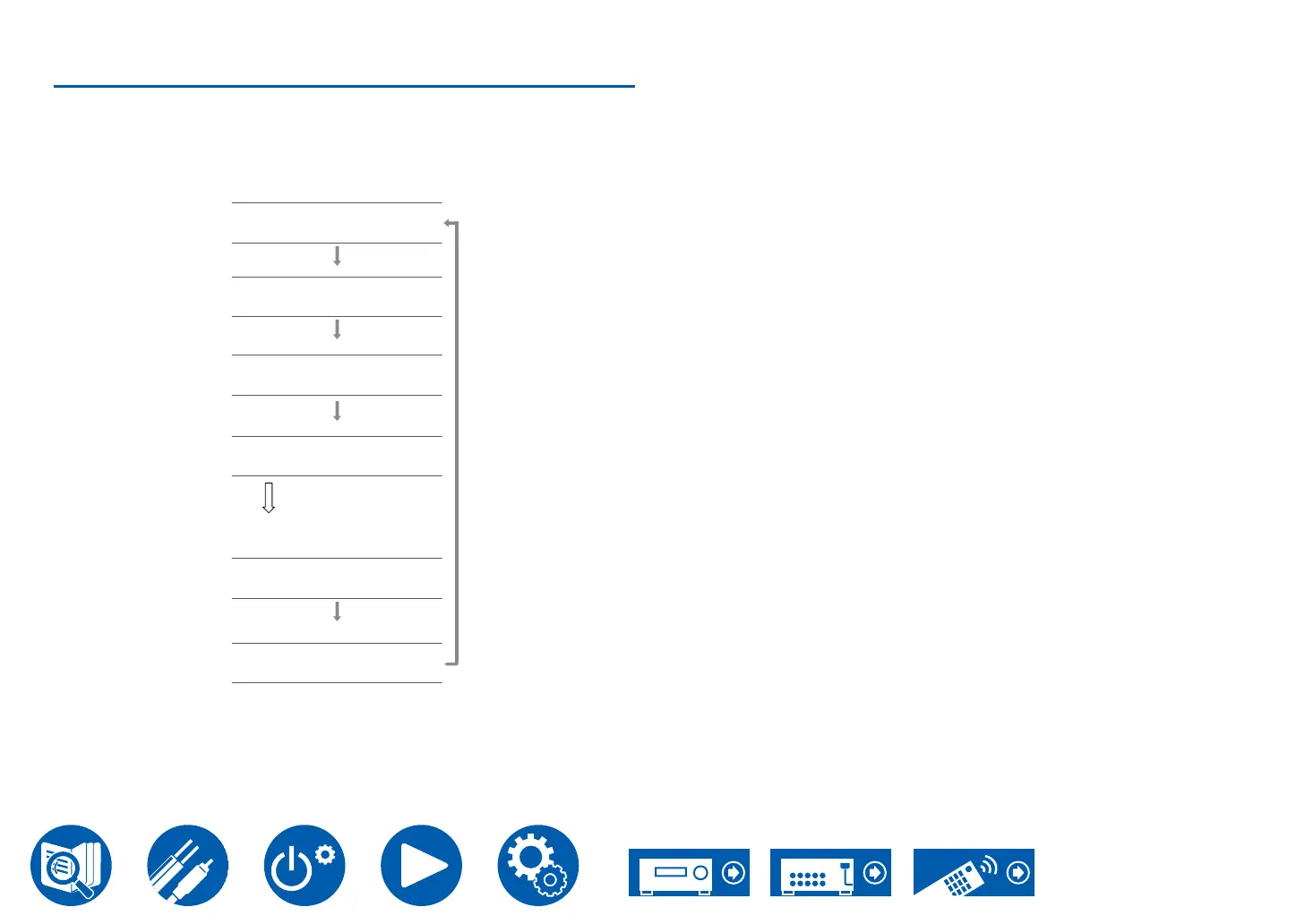
Switching the display
Repeatedly pressing the Display button on the remote controller switches the
display of the main unit in the following order.
• The content displayed depends on the source, Bluetooth, etc., being played.
• Not all the information is necessarily displayed.
17 6 . 4 k H z
Stereo
BD/DVD 4 0 . 0
PCM
1 9 2 1 6 8 X X X X
Sampling frequency
Input source and volume
Input signal resolution
IP Address
The display is switched in
a few seconds.
Listening mode
Input format



 To Next Page