73
Setup
Setup Menu
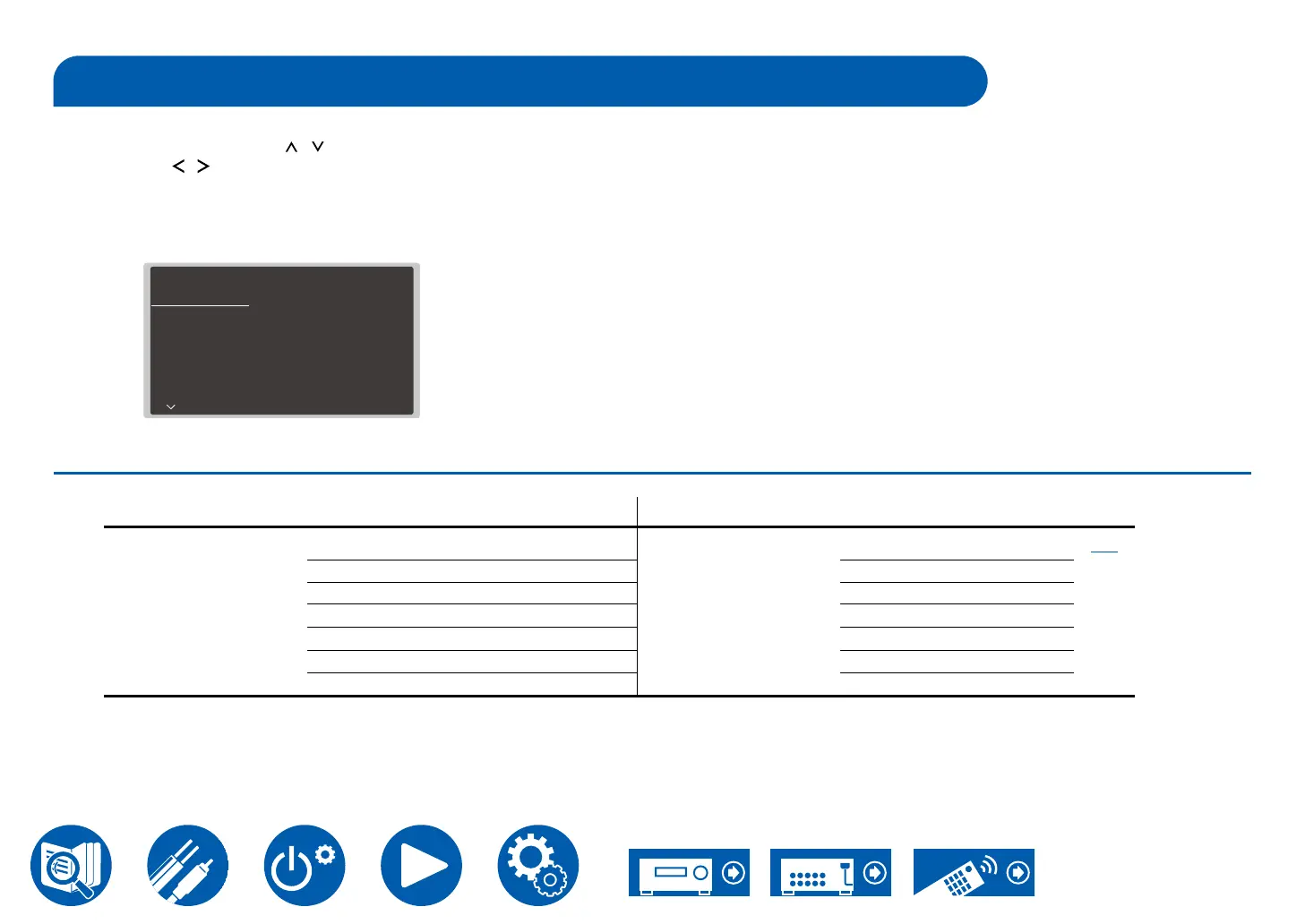
Press the Setup button on the remote controller to display the Setup menu.
Select the item with the cursors /
Use the cursors
/
LEFT/RIGHT to change the default values.
• To return to the previous screen, press the Return button.
• To exit the settings, press the Setup button.
• If a TV has been connected to the unit using an HDMI cable, you can also use the OSD (On-Screen Display) function which displays screens for operation to make
the settings.
Setup
1. Audio
2. Control
3. Network
4. Bluetooth
5. Works with SONOS
6. 12V Trigger A
7. 12V Trigger B
8. Firmware Update
Speaker Impedance
Maximum Volume
Power On Volume
Zone 2 Output Level
Zone 2 Maximum Volume
Zone 2 Power On Volume
AM / FM Frequency Step
6ohms
Off
Last
Fixed
Off
Last
10 kHz / 0.2 MHz
Menu list
TV screen (OSD) Main unit display
1. Audio
Speaker Impedance
[ 1.Audio ]
[ SpImpedance:6Ω ]
p77
Maximum Volume
[ Max Vol : Off ]
Power On Volume
[ POn Vol: Last ]
Zone 2 Output Level
[ Z2 Lv : Fixed ]
Zone 2 Maximum Volume
[ Z2MaxVol : Off ]
Zone 2 Power On Volume
[ Z2POnVol :Last ]
AM/FM Frequency Step
[ AM/FM:10k/0.2M ]



 To Next Page