v240M – Marine Satellite Communication System
62
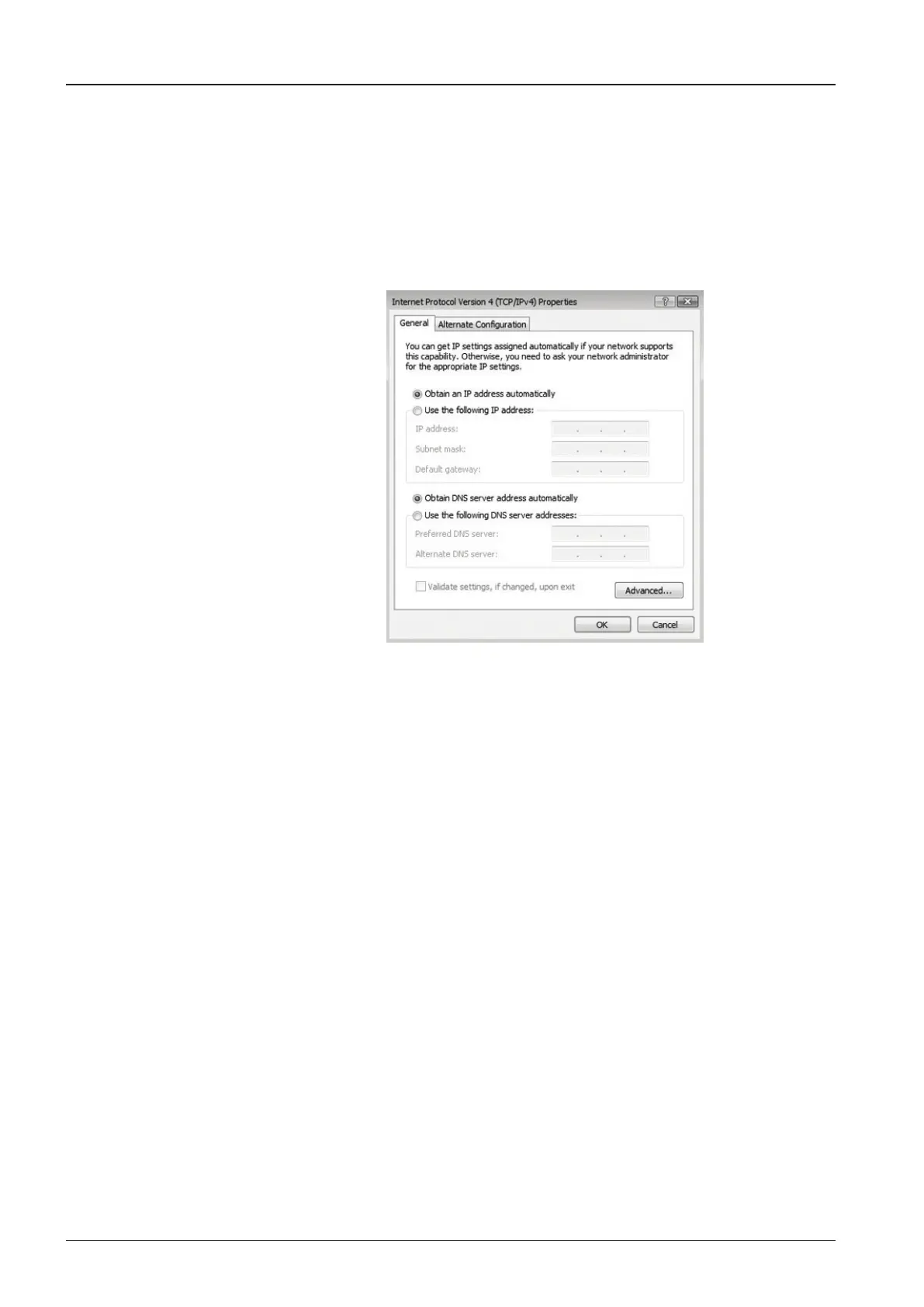
Figure 76. Wi-Fi Connection : TCP / IPv4
Manually change the network settings, click on “Use the following IP address”
and use the settings listed below.
Case #1
If iARM Module’s IP is known
The iARM module’s default IP is 192.168.1.223
PC IP: 192.168.1.222
Subnet Mask: 255.255.255.0
Gateway: 192.168.1.223
Case #2
If iARM Module’s IP is unknown
The iARM module’s secondary IP is 10.10.10.1
PC IP: 10.10.10.2
Subnet Mask: 255.255.255.0
Gateway: 10.10.10.1
Connect Wi-Fi in AP mode.
After clicking on the Windows Wireless Connection icon, click on
Intellian-VSAT (Default).
Enter the Network Security Key.
Key: intellian1234 (Default)
k
l
m


 To Next Page
 Loading...











