D-0116684-B – 2020/03
OtoRead™ - Instructions for Use - US Page 28
3.11 Menu structure
3.11.1 Menus
The OtoRead
TM
allows the user to change many of the instrument's settings or functions. Settings and
functions are separated into 4 different menus.
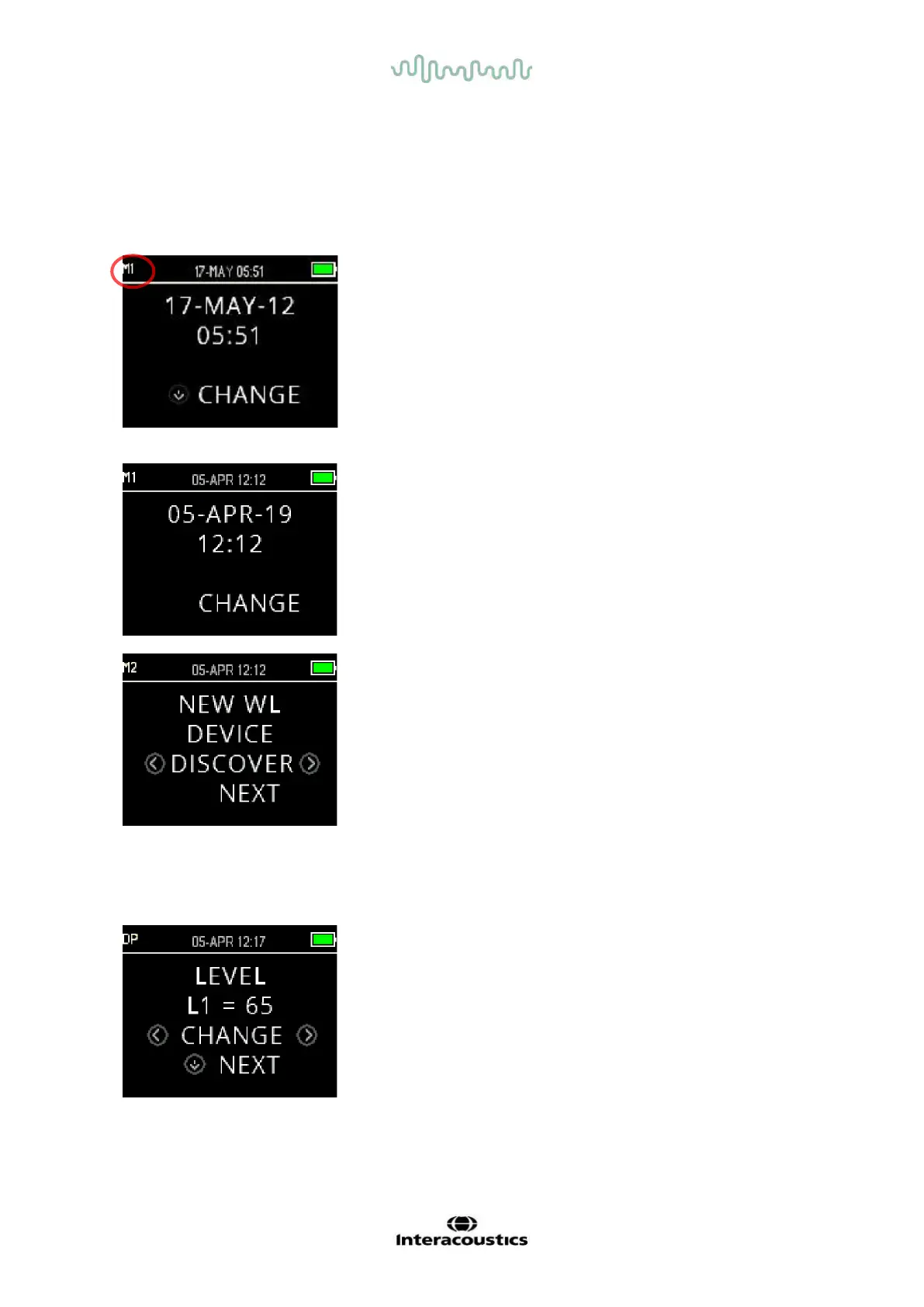
For a better understanding as to which menu you are currently in,
the menu number can be found in the upper left corner of the
screen.
The settings are organized into the following structure:
• Date and time
• Wireless device pairing
• Clearing test results
• Auto shutdown time
• Saving mode
• Minimum OAE level
• Clock Mode
• Graph view type
• Normative data display
• Reverse frequency
• Auto stop
• Language
• Reset to default settings
• DP Level
• Averaging time (test time per DP frequency)
• Pass SNR
• # frequencies for a pass
• Reset protocol
• Save protocol















 To Next Page