D-0116684-B – 2020/03
OtoRead™ - Instructions for Use - US Page 47
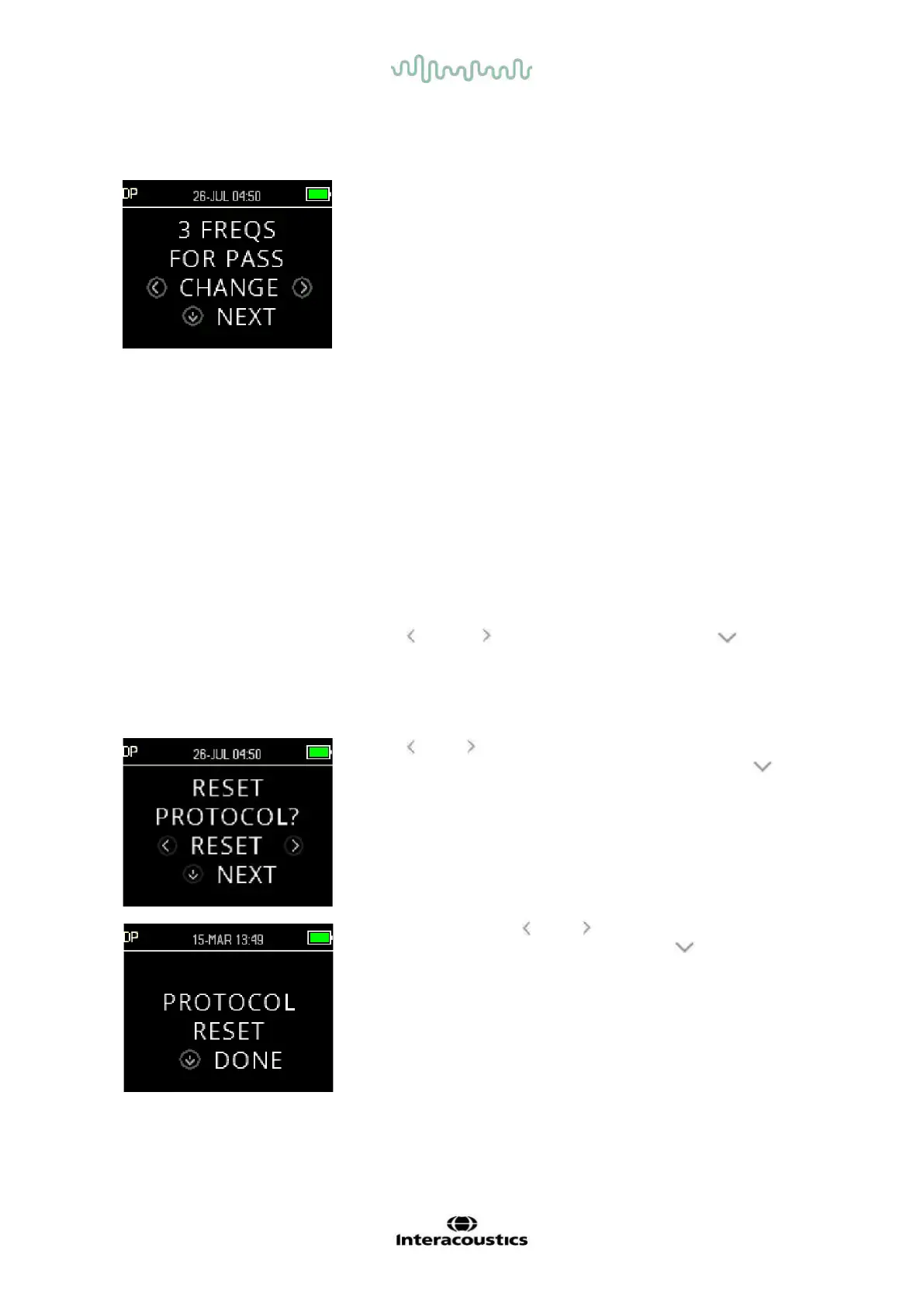
3.18.9.6 Setting the number of frequencies for PASS
The number of frequencies required for determining a PASS can be
set from 0 to 12. If the setting is on 0, then no assessment of
PASS/REFER will be made. This setting is used in conjunction with
the PASS SNR and MIN LEVEL criteria to determine the overall test
outcome (PASS or REFER).
For example, if the MIN LEVEL is set to -10 dB, the PASS SNR is set
to 5 dB and the number of frequencies for PASS is set to 3, then the
test must contain at least 3 frequencies where the emission is at least
5 dB above the noise at a minimum level of -10 dB to indicate a
PASS.
The number of frequencies for PASS should also be based on the
number of frequencies being tested. Setting the number of
frequencies for PASS to 5 when only 4 frequencies are being tested
would result in every test being labeled as a REFER.
To disable the PASS/REFER assessment set the number of
frequencies for pass to 0.
Once the ’Number of Frequencies for PASS’ is set above zero, green
bars are displayed to identify this setting, the green colour indicating
that the frequency band in question has passed the selected pass
criteria.
Use the CHANGE keys to select an option and the NEXT key to
go to the next test parameter.
3.18.9.7 Reset protocol
Use the RESET keys to return the selected protocol parameters to
their original factory settings. To skip this option, press the NEXT
key.
This does not affect the instrument settings or the settings of any
other protocol.
After pressing one of the RESET keys, a confirmation that the
protocol was reset will be displayed. Press the DONE key to
return to the Main menu.















 To Next Page