D-0134090-A – 2022/11
VisualEyes™ - Instructions for Use - EN Page 89
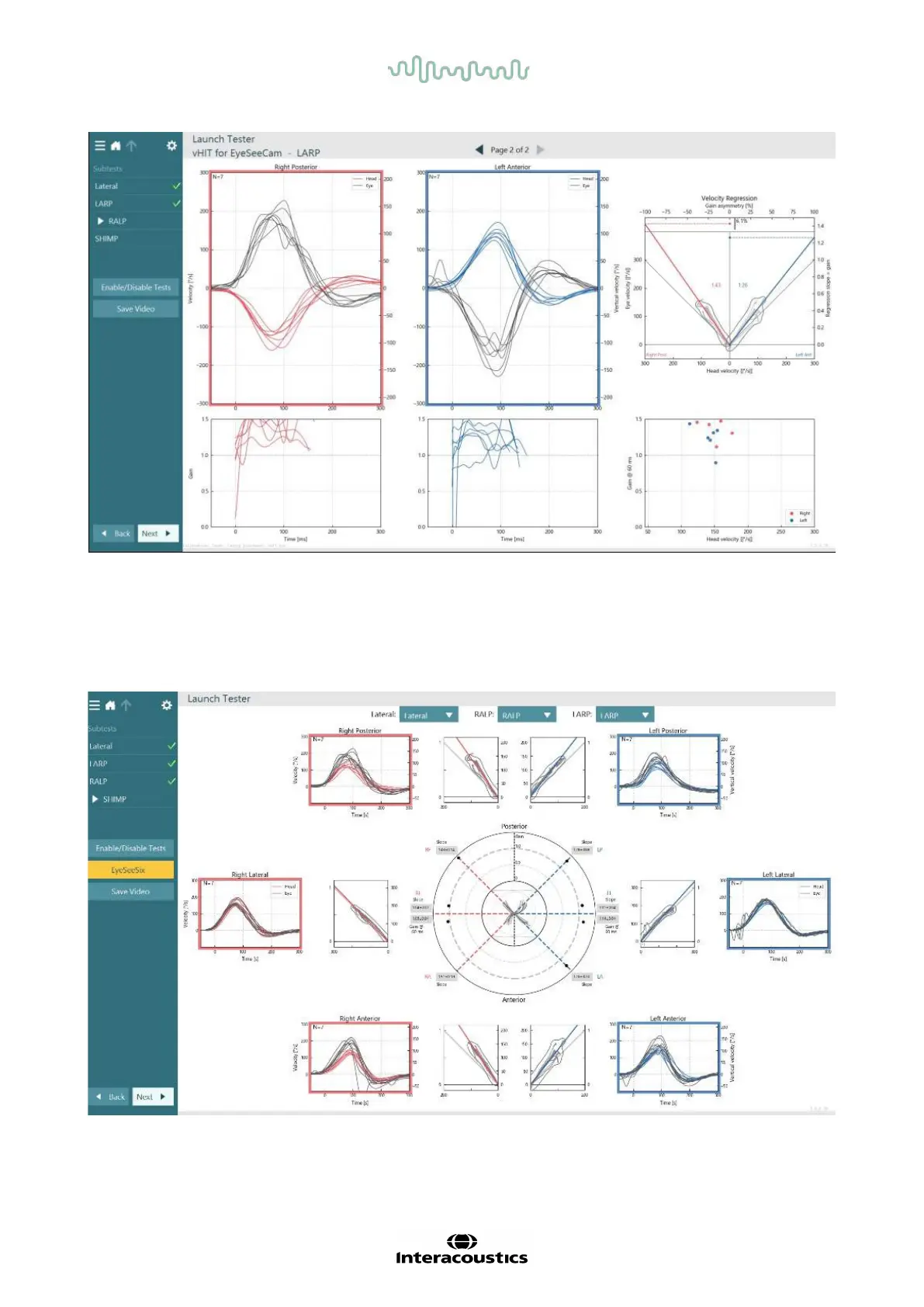
Figure 3.9-8 VHIT EyeSeeCam analysis
As each subtest is performed, the software displays each subtest’s analysis on a page (
Figure 3.9-8). The
analysis displayed is defined by the page navigation at the top of the screen. Once the Lateral, LARP, and
RALP tests have been performed, the EyeSeeSix report can be created from the vHIT for EyeSeeCam
summary’s side panel. If a subtest is repeated, the desired subtest can be selected from the combo boxes at
the top of the EyeSeeSix report (
Figure 3.9-9).
Figure 3.9-9 vHIT EyeSeeSix report















 To Next Page