16
6. Do one of the following:
−
If installing an EIDE drive, set the master/slave jumper setting on the new drive to
match that of the old drive.
−
If installing a SCSI drive, set the SCSI ID on the new drive to match that of the old
drive.
See Chapter 6, “Peripherals,” for details on these tasks.
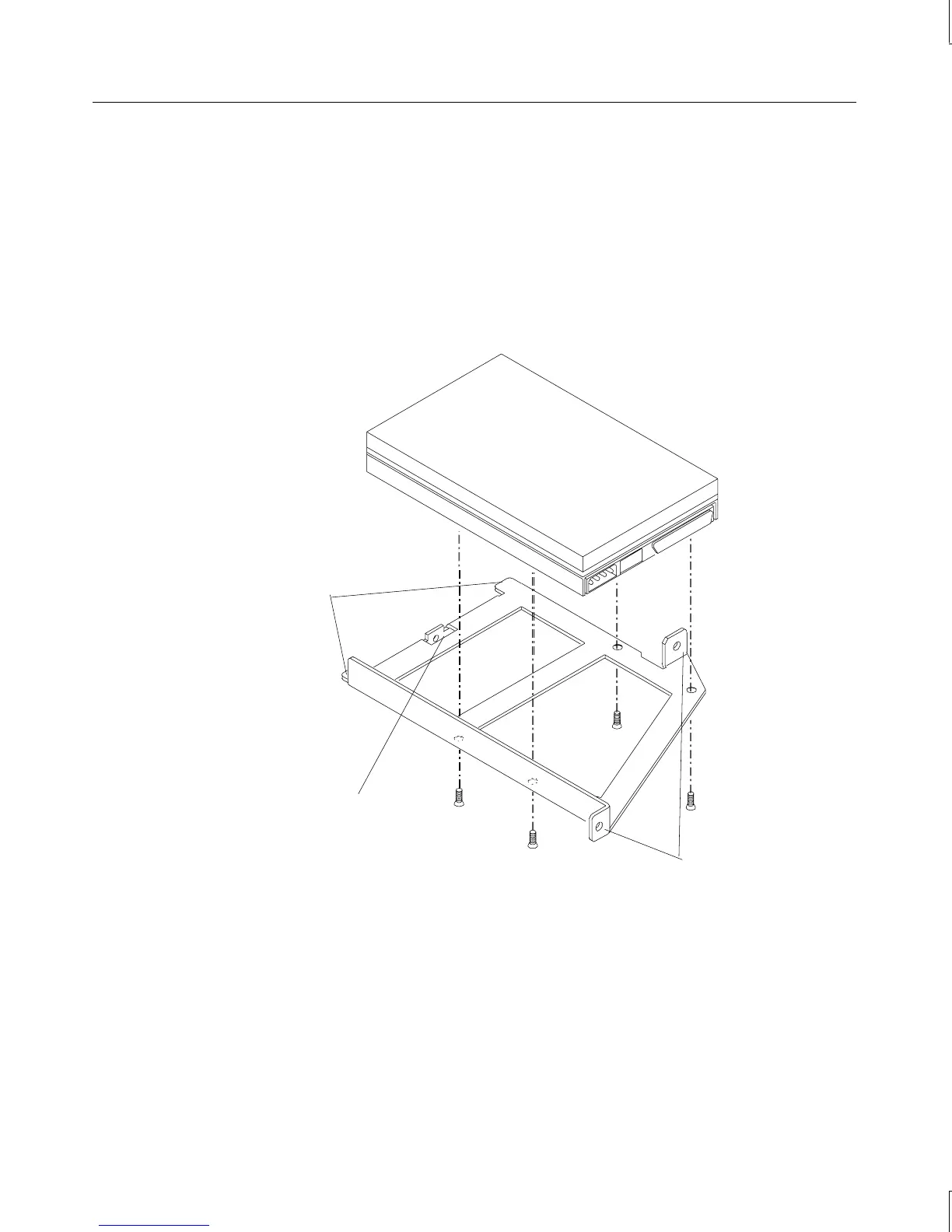
7. Install the new drive on the bracket.
Alignment tabs
Rear mounting tab
Front mounting tabs
8. Insert the alignment tabs into the appropriate slots in the chassis.



 To Next Page