65
Connector Connects To
5 Device at Location 4 (external bay)
6 Device at Location 5 (external bay)
7 Active terminator
See “Device Locations” in Chapter 3 for details on standard peripheral locations.
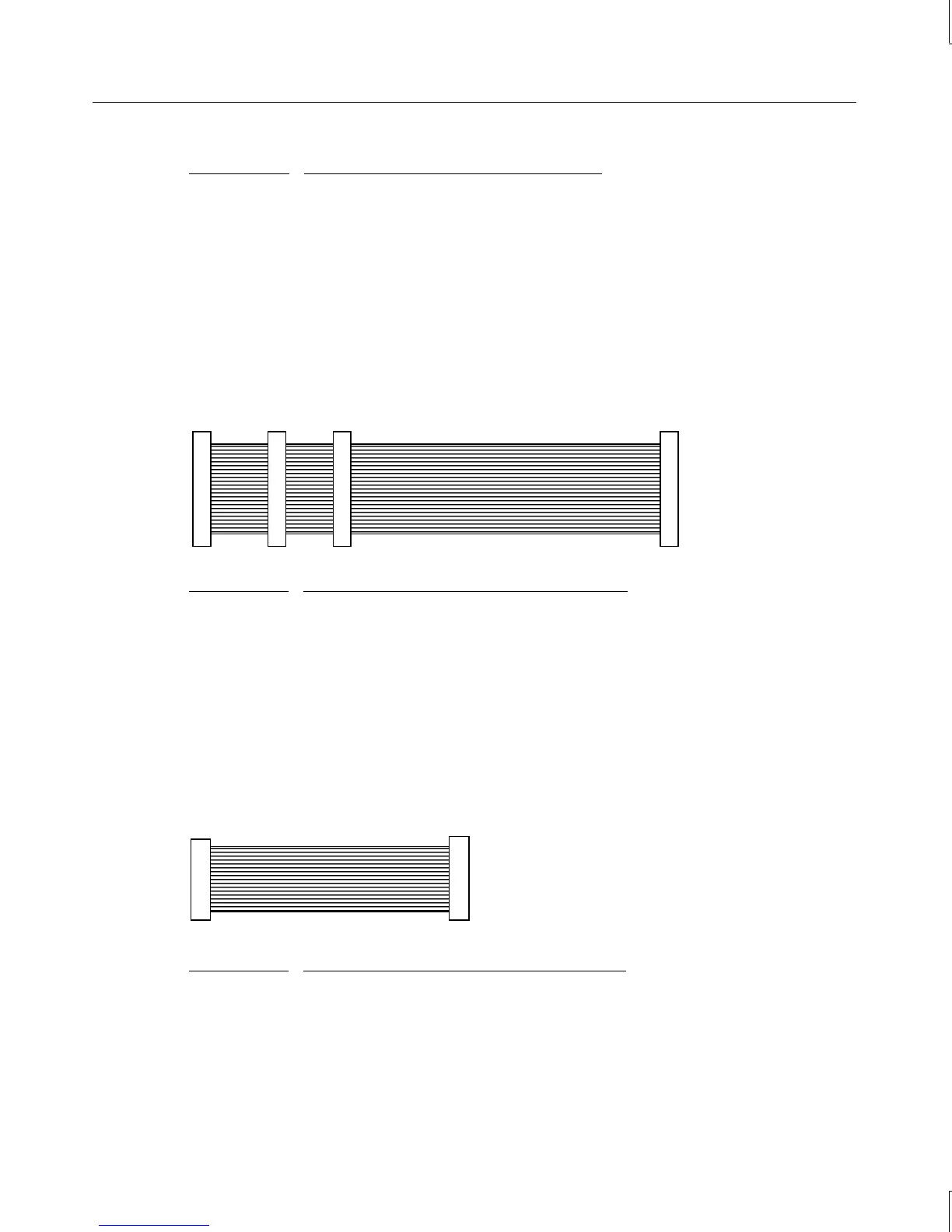
Internal Ultra SCSI Cable Connection Locations
The following illustration and table show the cable connectors and the locations to which
they attach. This cable is approximately 36 in (91 cm) long.
1 432
Connector Connects To
1 SCSI controller
2 Device at Location 4 (external bay)
3 Device at Location 5 (external bay)
4 External SCSI Terminator board
Floppy Cable Connection Locations
The following illustration and table show the cable connectors and the locations to which
they attach. This cable is standard and is approximately 17 in (43.1 cm) long.
1 2
Connector Connects To
1 Floppy disk drive controller on system board
2 Floppy disk drive



 To Next Page