66
Peripheral Configuration
This section provides illustrations and information on configuring common peripherals for
the system.
See the following for related information:
u
Chapter 5, “System Board,” for cable connector locations and pinouts.
u
Chapter 7, “Power Supply and Cooling Fans,” for power cable information and pinouts.
u
Vendor documentation provided with the peripheral device.
EIDE CD-ROM Drive
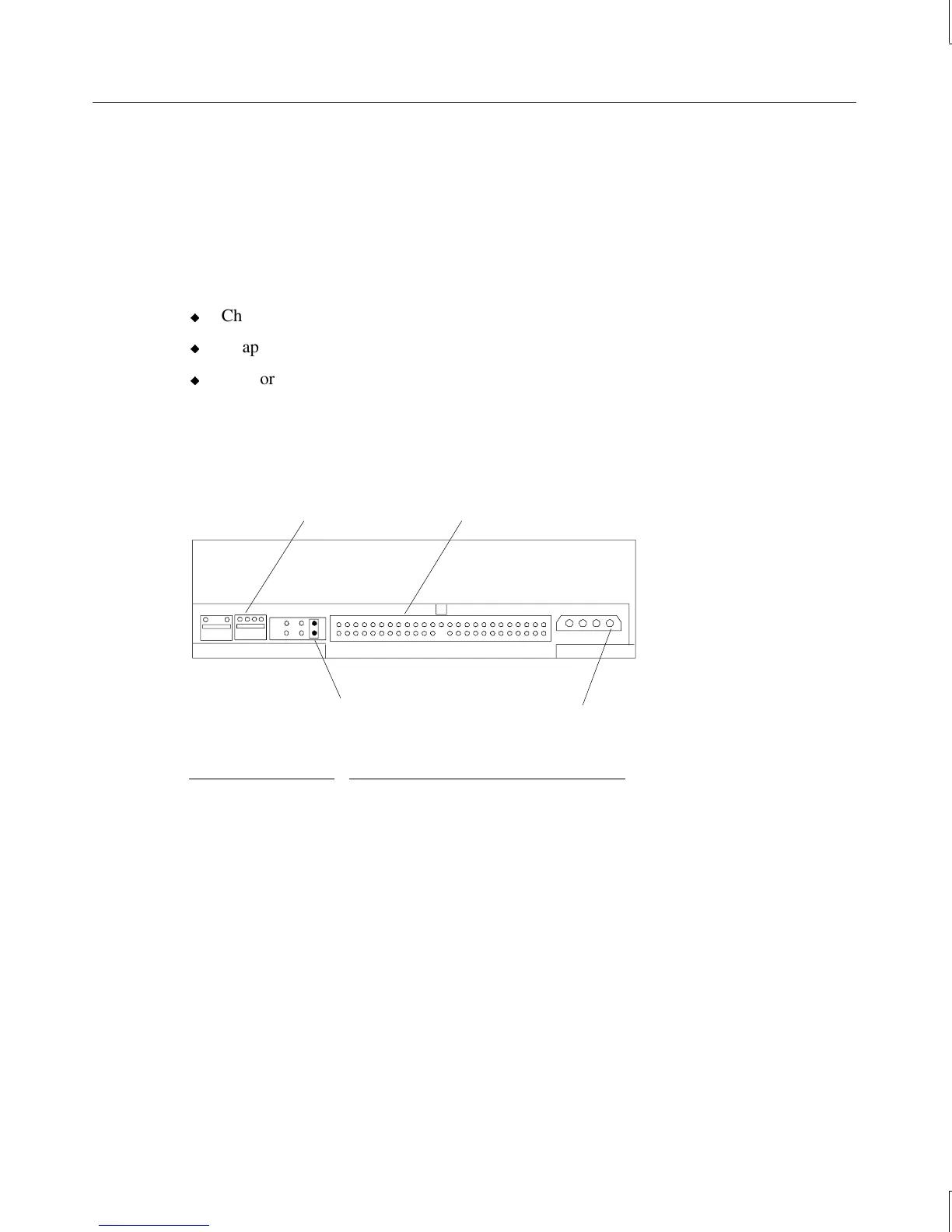
The following figure shows the back of the EIDE CD-ROM drive.
Mode Select
(Master/Slave)
Audio connector
Power
connector
EIDE connector
Device Connector Connects to
Audio (analog) Audio cable connector on sound card
EIDE Secondary EIDE on system board
Power Power supply
The Mode Select header is jumpered “Master” as shown.



 To Next Page