32
u
If you have or purchase a Windows NT 4.0 Workstation Resource Kit (ISBN 1-57231-
343-9), you can use software on the kit’s CD-ROM to upgrade Windows NT 4.0. The
files required for the upgrade are
UPTOMP.EXE, UPTOMP.INF, and UPTOMP.TXT.
u
While not recommended by Intergraph Computer Systems, you can back up all critical
system data, install the second processor, and reinstall Windows NT 4.0 to load the
required multi-processor Hardware Abstraction Layer (HAL).
To install a single-to-dual processor upgrade:
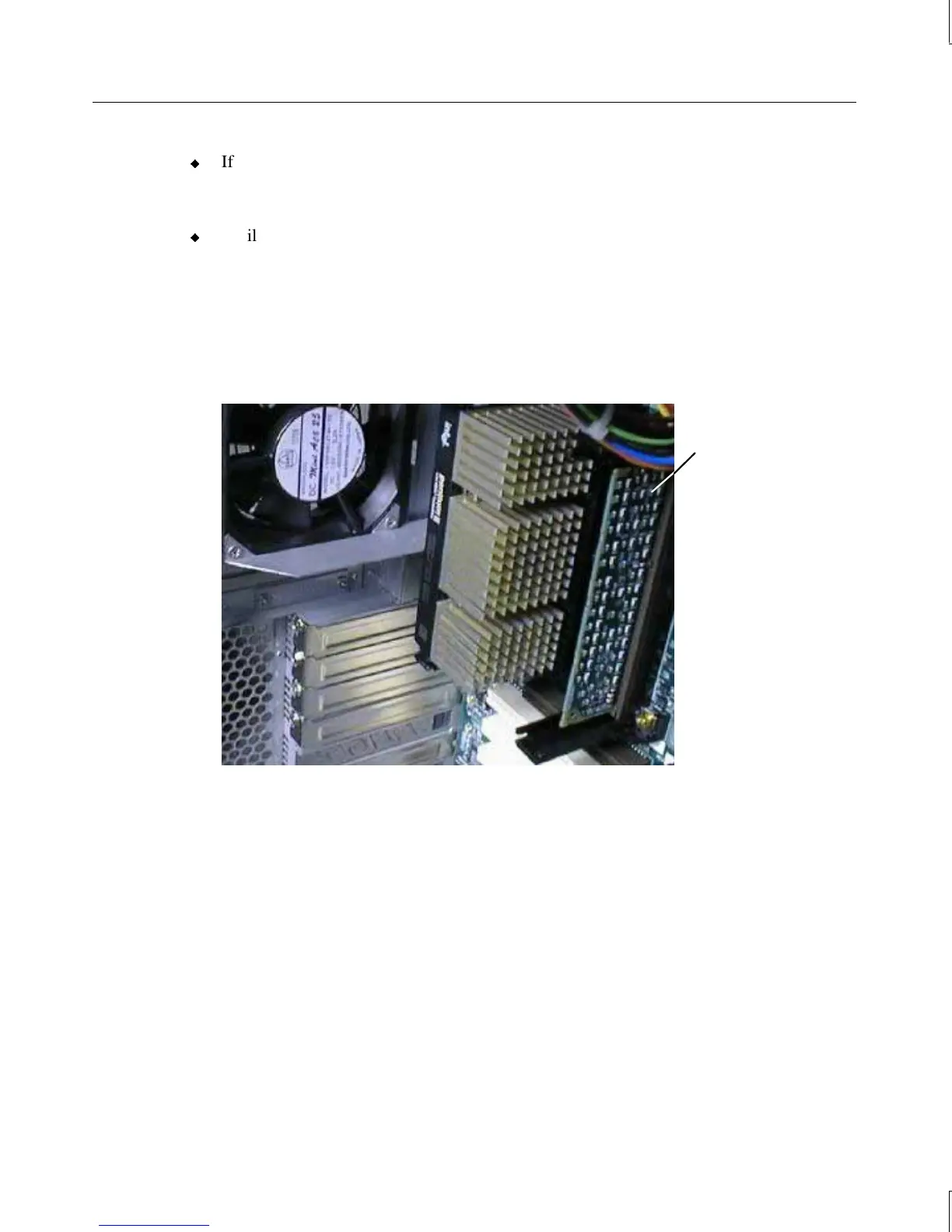
1. Remove the secondary processor bus terminator card from the secondary processor slot,
as shown in the following figure.
Secondary processor
bus terminator card
2. Install a retension module, if necessary, onto the open processor slot. See Chapter 2,
“Servicing the System,” for details.
3. Install a heat-sink mounting bracket, if necessary, into place over the open processor
slot. See Chapter 2, “Servicing the System,” for details.
4. Orient the processor module so that the heat sink fins or cooling fan points toward the
DIMM sockets, and then insert the module into the open socket of the retension module.
5. Press straight down and apply even pressure at both ends of the CPU module until it
seats. The retension module is keyed to ensure proper insertion.
6. Press the processor module locking tabs outward until they click into the locked
position.
7. If you installed a boxed processor with integral fan into the secondary processor slot,
connect the fan power cable to the processor fan power connector on the system board.



 To Next Page