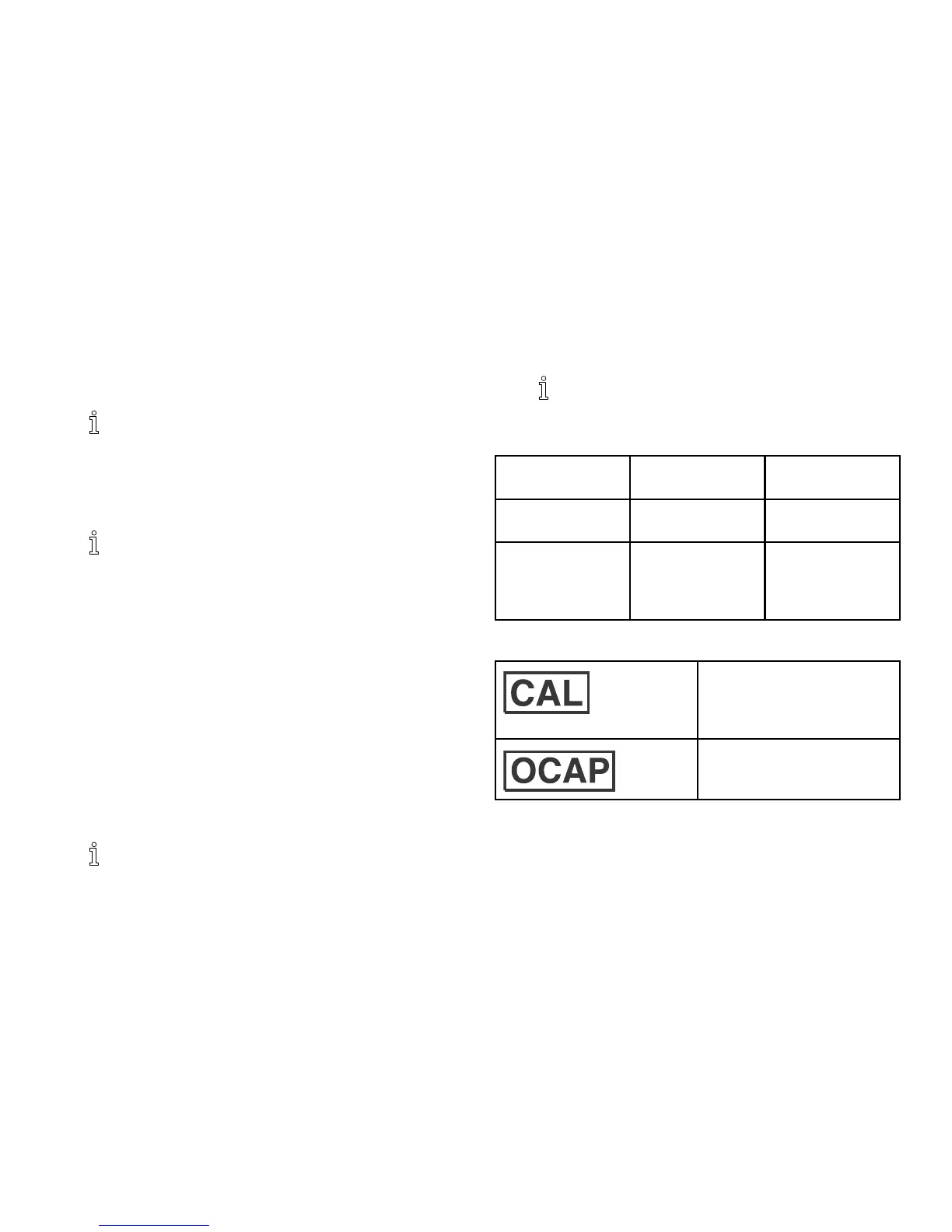
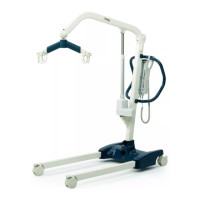
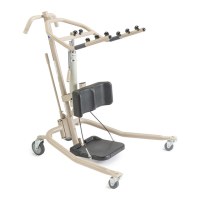
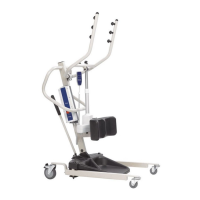
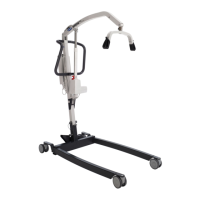
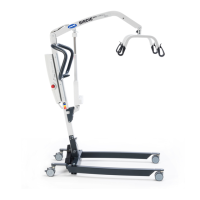
I-Lift™
3.PresstheCALbuttonlocatedonthePCboard.TheCALswitch
isnotlabeledbutistheonlybuttononthePCboardlocatedin
thelowerrightcorner.OncetheCALbuttonispushed“CAL1”
willbeseeninthedisplaywindow.
CAL1selectsthecalibrationmodeusing50poundsof
calibratedweight.CAL2selectsthecalibrationmodefor
usewith200poundsofcalibratedweight.Pressingthe
UNITSkeytogglesbetweenCAL1andCAL2.
4.Whenthedesiredcalibrationmodeisdisplayed,pressthe
LOCK/UNLOCKkey.
ThedisplaywindowwillnowshowUnLd.
5.EnsurethatthereisnoloadonthescaleandpresstheZEROkey.
6.Thedisplaywindowwillshowadashedline(------)scrolling
acrossandthentheword“LOAD”willappearinthedisplay
window.
7.Performoneofthefollowing:
a.FORCAL1OPTION-support50poundsofcalibrated
weightfromthescaleandpresstheZEROkey.
b.FORCAL2OPTION-support200poundsofcalibrated
weightfromthescaleandpresstheZEROkey.
8.Thedisplaywindowwillshowadashedline(------)scrolling
acrossandthentheword“DONE”willappearinthedisplay
window.
9.Removetheweightfromthescaleandpressthe
LOCK/UNLOCKkey.
Theunitwillnowbeinatemporarytestmodeandwill
notlocktheweightdisplay.Thiswillallowweighttobe
loadedandunloadedtocheckthecalibration.
10.TurntheunitoffbypressingtheON/OFFkey.
11.TurntheunitonbypressingtheON/OFFkey.
Scalewillnowbeinnormaloperation.
9.8Troubleshooting
SYMPTOM
PROBABLE
CAUSESOLUTIONS
UnitdoesNOT
workproperly.
Batteryfailure.Checkbattery.
Replaceifnecessary.
Batteryhasbeen
replacedandunit
stilldoesNOT
workproperly.
ContactInvacare
forServiceat
1-800-333-6900
DisplayCodes
CALIBRATIONREQUIRED
-Indicatesimproperstored
calibrationdata,calibrationis
necessary.
OVERCAPACITY-Indicatesa
weightexceedingthecapacity
hasbeenloadedonthescale.
521171892-A


 To Next Page