17
Chapter 2: Installation
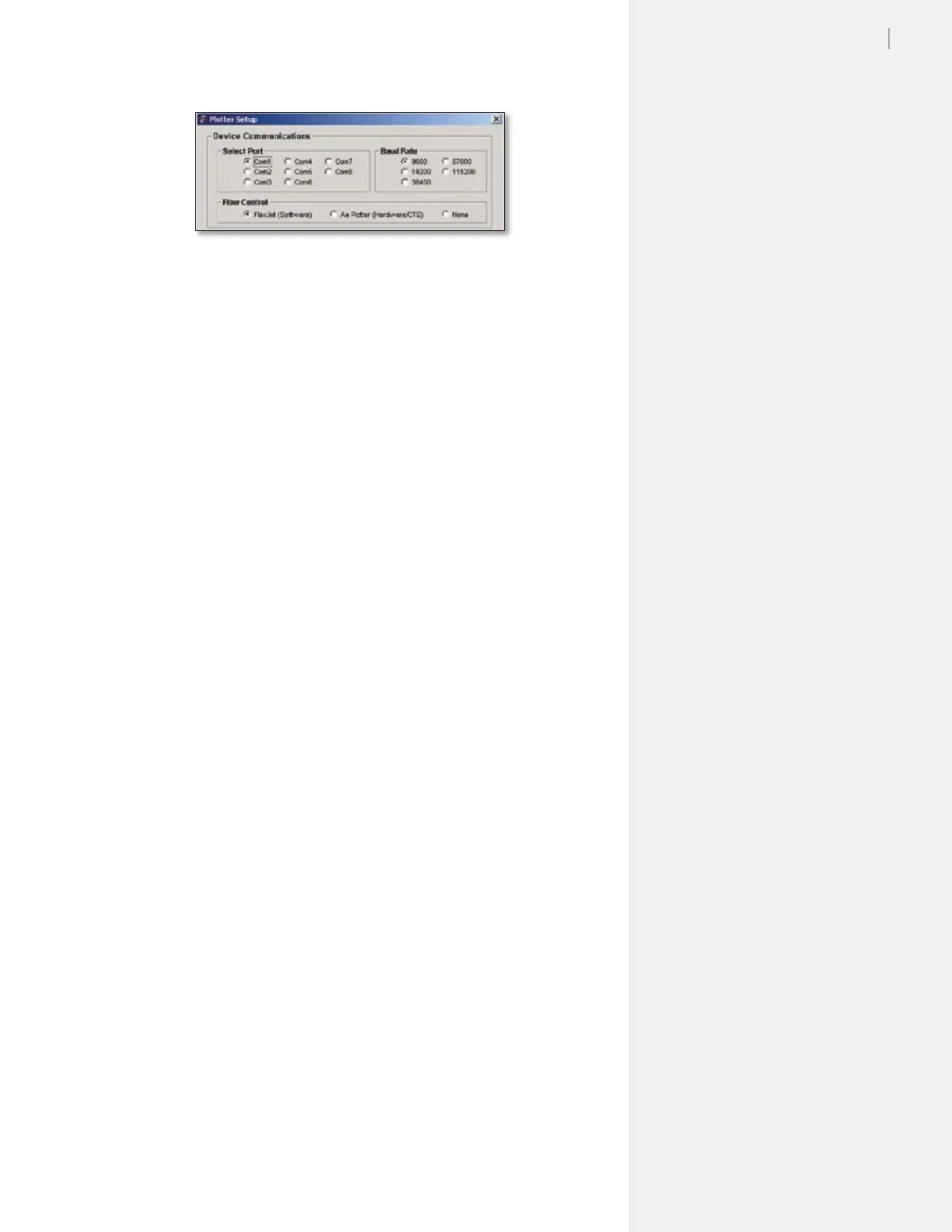
Figure 8. FlexPlot Serial Port set-up window.
Baud Rate
The serial port on the FlexJet has an adjustable baud rate. Available
speeds are 9600, 19200, 38400, 57600, and 115200. The default is set
at the factory to 38,400. The baud rate is adjustable in the Control
Center in the Communications>Settings window.
Other Serial Port Settings
You may also need to set additional serial port settings, for instance,
when you use a terminal program. The recommended conguration
settings are:
Data Bits: 8
Parity: None
Stop Bits: 1
Flow Control: Software or Xon/Xoff
Software Setup Options
Ioline recommends using FlexPlot for marker making on the
FlexJet. FlexPlot offers the most robust and exible workow
available for creating output. It’s especially useful when many le
formats are used, a common situation for service bureaus. To set-up
and learn how to use the software, see the FlexPlot User Guide.
The FlexJet is designed to work in many different production envi-
ronments. The type of marker printing you do will often determine
your preferred communication method. Two typical methods for
sending markers are:
1. Plot directly from the marker or design software to the
FlexJet. (See Figure 9.)
Unlike other marker printers, the FlexJet is capable of operating
as a stand-alone device with no extra software running on the
computer. This method works if your CAD software includes
a driver for any Ioline product, such as the Ioline 600Ae or the
Summit 2200. It will also work if the CAD software can create a
compatible HPGL- or DM/PL- formatted le.



 To Next Page