27
Chapter 3: Operation
Quality Setting
Choose Draft or Best to control line density. Draft mode uses 300 DPI.
Best mode uses 600 DPI. A lower DPI setting uses less ink by creating
a fainter line. Higher DPI uses more ink but makes a darker line. Use
this setting in conjunction with the Line Width (see above) to nd a bal-
ance between saving ink and making clearly visible lines.
Measurement Units
Choose between English or Metric units for settings display.
Consumables
Paper
Ioline recommends 27 to 35 pound recycled or bond paper, 36- to 74-in
(91- to 188-cm) wide. The feed system supports rolls up to 600 yds long.
Ink
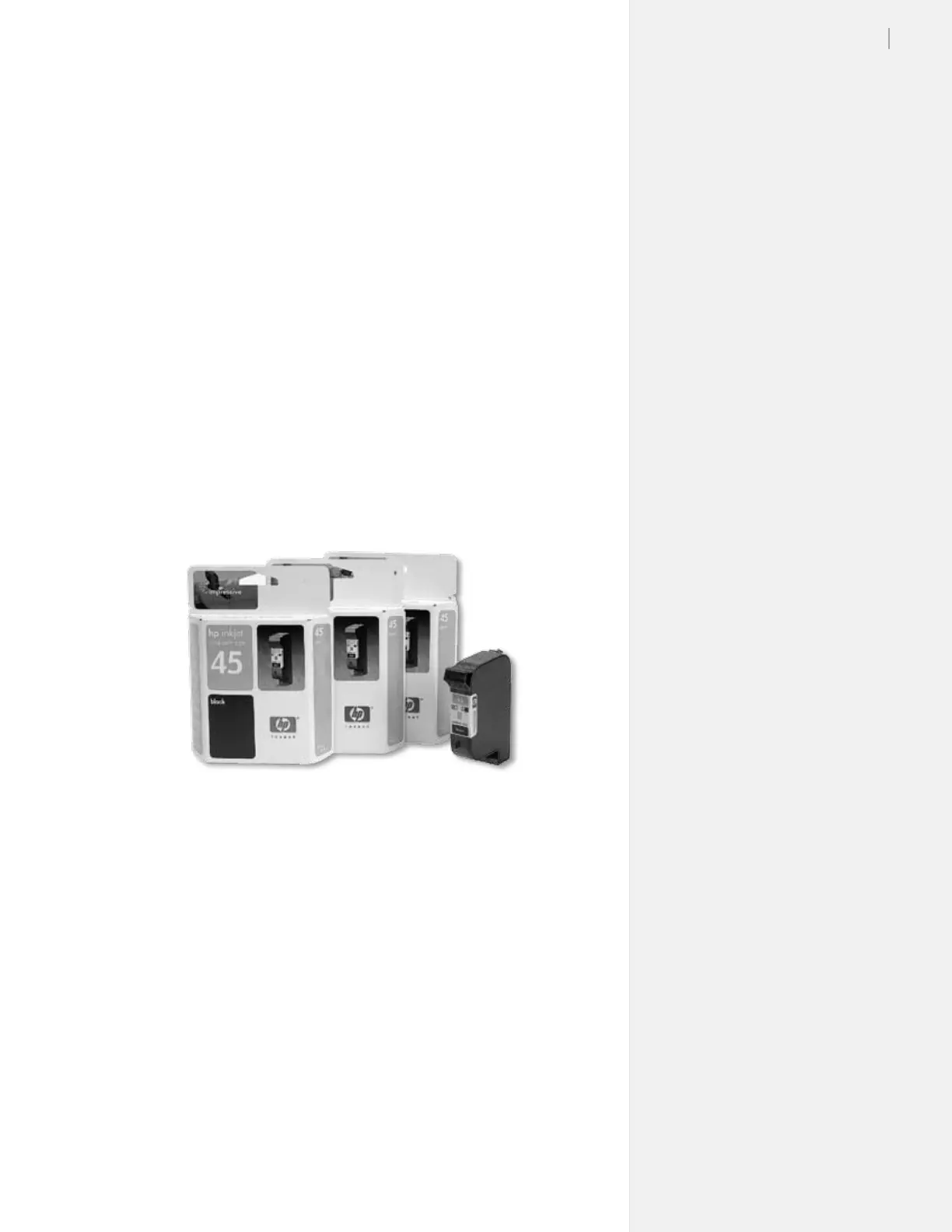
The Ioline FlexJet requires Hewlett-Packard 51645A or ‘45’ cartridges.
Guidelines for Installing a Cartridge
1. With the printer in STOP mode (red OK light), press the left
arrow key to move the carriage out onto the platen until all
cartridge stalls are exposed.
2. Raise the safety cover. Open the blue stall latch and remove the
old cartridge if one is present. Squeeze the handle between your
ngers and pull forward, then up. Repeat for each cartridge.
3. Insert the new cartridge with the print head pointing down
toward the rear of stall and at a slight outward angle. Press
rmly while rotating the top of cartridge toward the back of the
stall until it stops in an upright position. (See Figure 15.)
Figure 14. The Hewlett-Packard 51645A (‘45’ cartridges)
are widely available.



 To Next Page