18
Ioline FlexJet User Guide
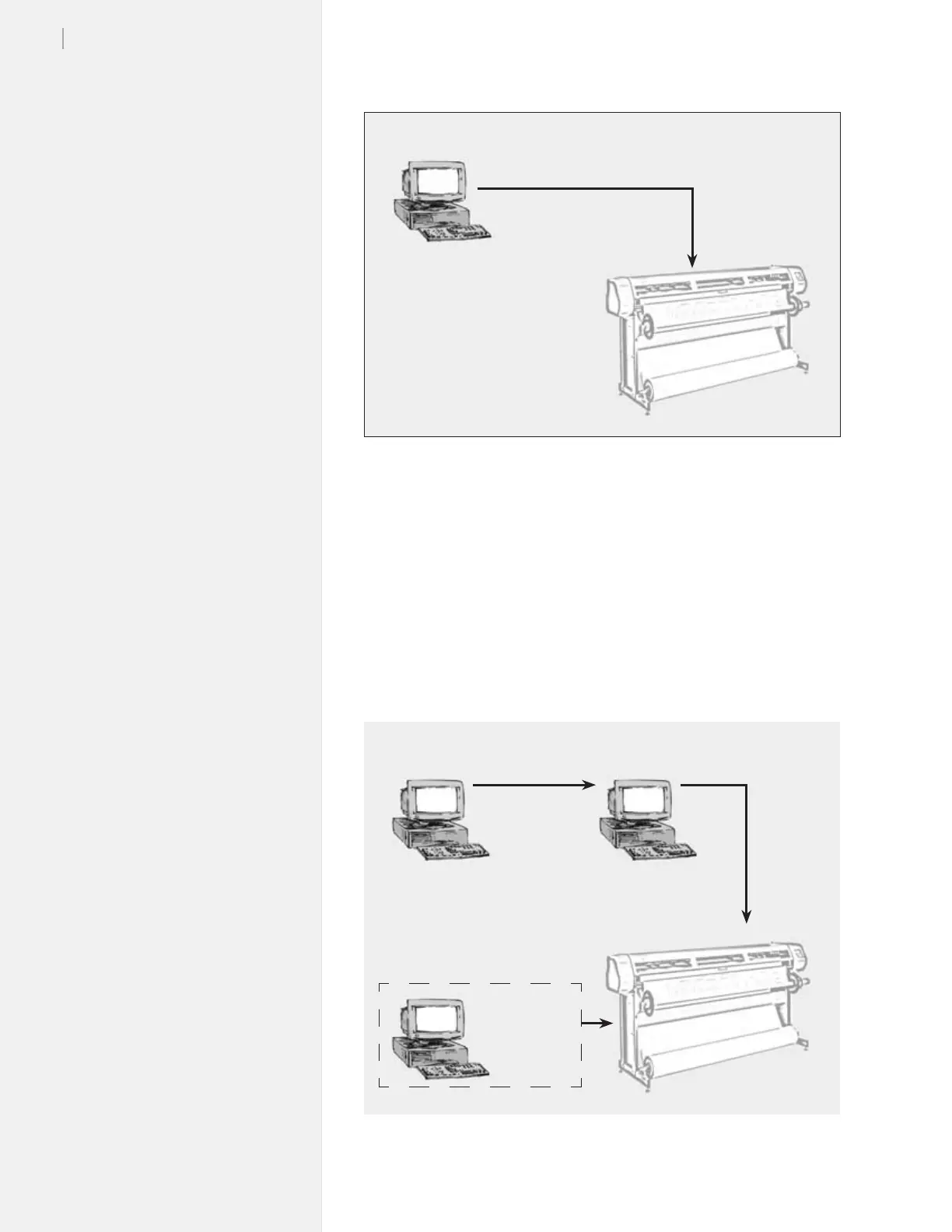
Figure 10. Workow using FlexPlot for le conversion and output.
2. Use FlexPlot software to convert les before sending them
to the FlexJet for output.
The FlexJet includes the FlexPlot software which will convert
many different les into a format that is compatible with the
FlexJet. It also provides an advanced marker queue manage-
ment system and other tools to optimize the performance of the
printer.
Figure 9. Workow: output direct from CAD software (without FlexPlot).
FlexJet
FlexJet
CAD
Software
FlexPlot
[Network]
HPGL
DM/PL
DXF
ASTM 6959
STD
CAD
Software
HPGL
DM/PL
(Alternate Conguration)
CAD
Software
+
FlexPlot



 To Next Page