53
Chapter 5: Troubleshooting
OK
n l
p
Problem/Status
G OFF OFF OFF Ready to Print, Origin Set
R OFF OFF OFF Paused / Ofine, Keypad Active
R G OFF OFF Power on reset nished.
R Y-Blink OFF OFF Cover open (obsolete)
R OFF Y-Blink OFF Paper Feed Out / Jammed
Y-Blink R R OFF X- (paper) axis jam
Y-Blink G R OFF Y- (carriage) axis jam
Y-Blink G G OFF TU (take-up) jam
Y-Blink R G OFF SS (Service Station) jam
OFF R Y-Blink OFF Buffer Overow
Y-Blink OFF R OFF Init from EPROM failed
OFF R R OFF File syntax error
Y-Blink Y-Blink Y-Blink OFF Printer ready to receive rmware
Y-Blink OFF OFF OFF Motors off / System Stop
2. Press and hold the
Page Advance key while turning power on.
3. Continue holding the Page Advance key until the OK light
turns red and the Square light turns green.
4. Cycle power again (do not touch any keys this time) to ensure
communications are reset.
If using a terminal program like TeraTerm
™
to communicate with
the FlexJet, make sure to use 8 Data Bits, No Parity, 1 Stop Bit, and
Xon/Xoff Flow Control.
Keypad Error Codes
Legend
G = Green light
R = Red light
Y = Yellow light
Y-Blink = Blinking yellow light*
OFF = Unlit
If keypad errors are not shown on
the chart to the left, update the
rmware. Downloads are available
on Ioline’s FlexJet Web site or by
contacting Ioline Customer Service.
Note
i
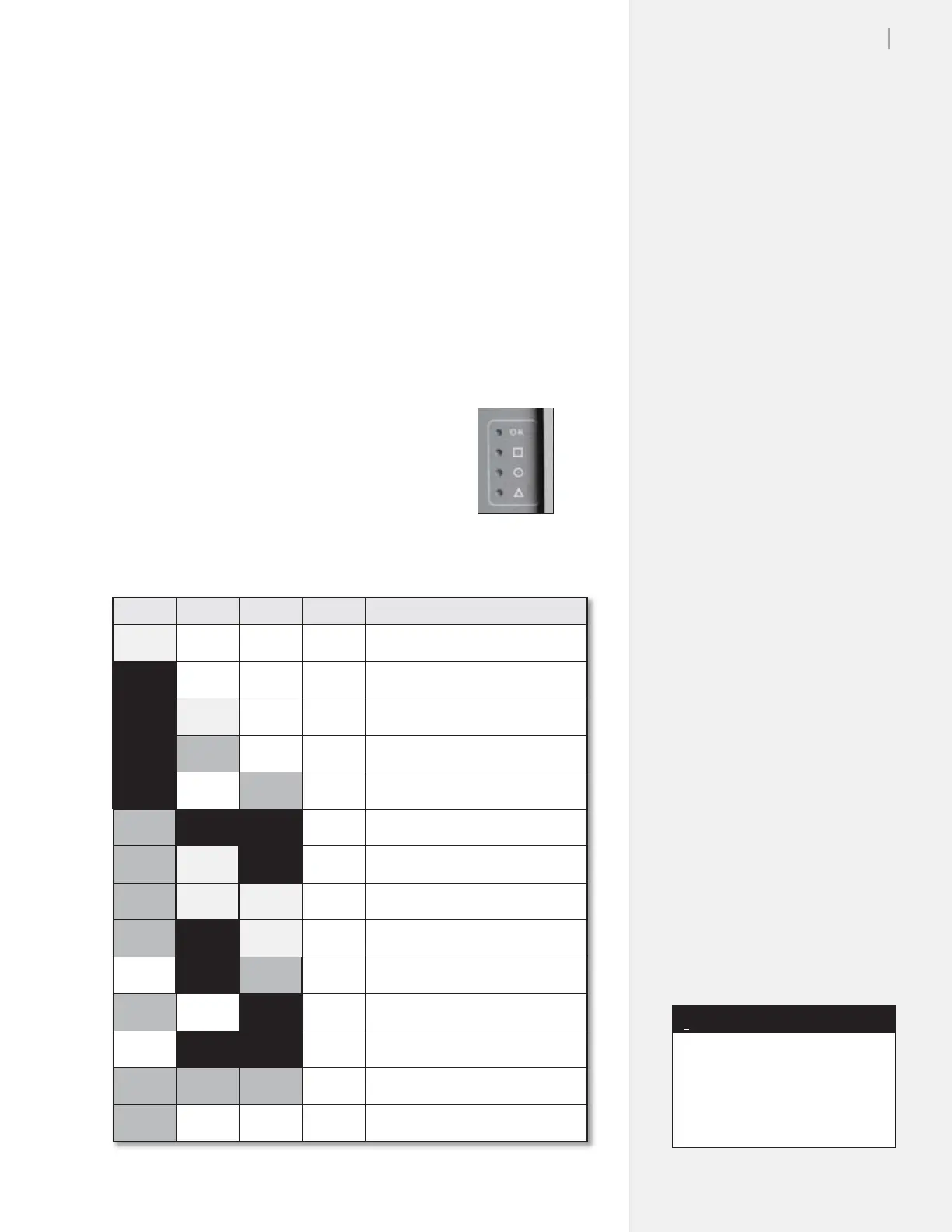
Figure 36. LED lights
on the keypad.
* First generation FlexJet
keypad
lights do not blink.



 To Next Page