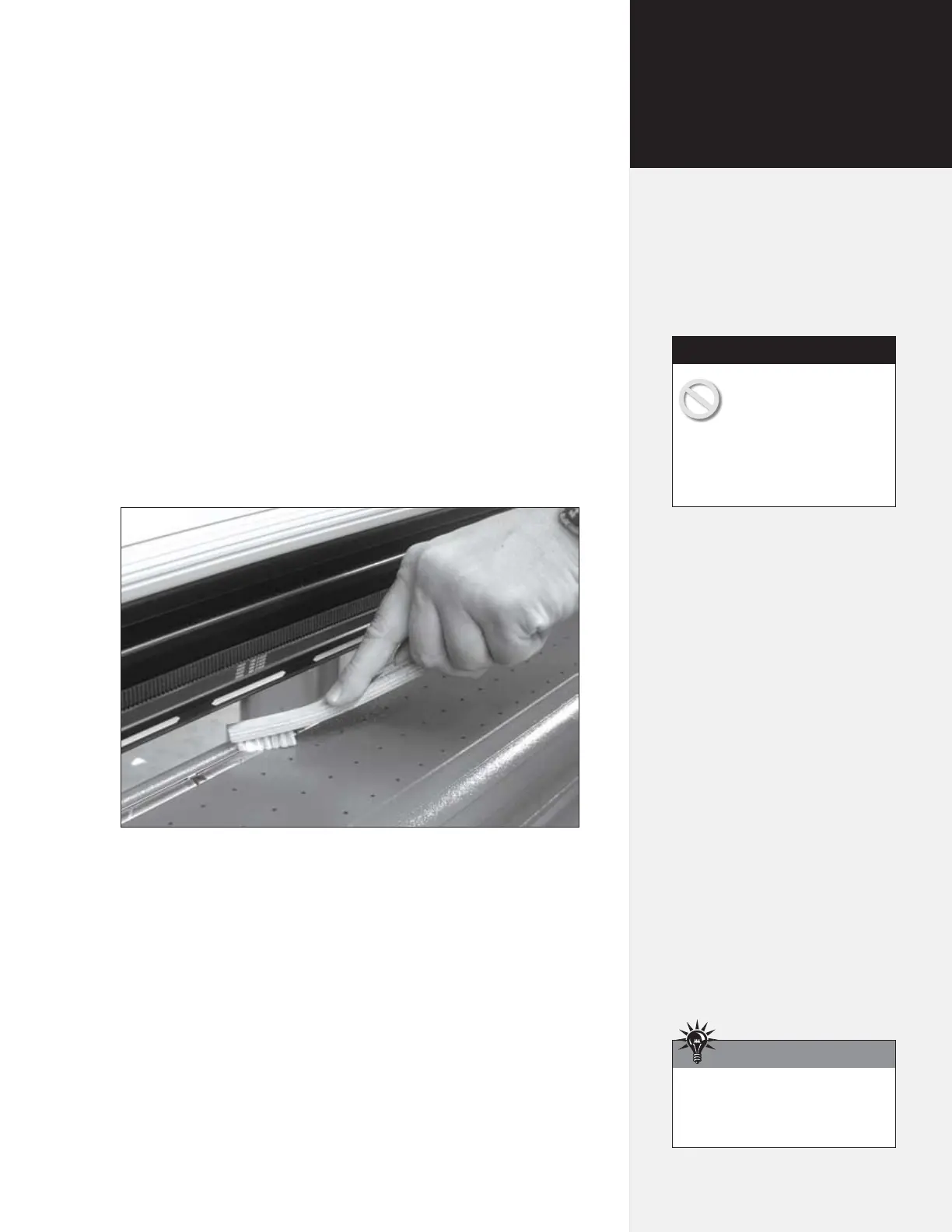
Cleaning the Drive Shaft
Clean the drive shaft regularly to assure accurate plotting:
1. Turn off the printer and disconnect the
power cord.
2. Gently remove any accumulated dust and residue with the stiff
non-metal bristle brush provided in the Accessory Kit.
Figure 26. Cleaning the Drive Shaft.
Cleaning the Platen
and Traverse
Dust and paper residue accumulate on the platen and traverse. Un-
der regular use, clean every two weeks:
1. Turn off power to the printer.
2. Dampen a lint-free cloth with isopropyl (pharmacy) alcohol
and gently wipe the platen and traverse rails until accumulated
residue is removed.
Warning: Do not use
water, brushes with metal
bristles or solvents (ex-
cept isopropyl—pharmacy—al-
cohol) to clean the printer. Keep
the drive shaft bearings free of all
liquids.
Caution
Use antistatic spray instead of
isopropyl alcohol to clean platen
and traverse, if desired.
Hint
Chapter 4
Routine Maintenance



 To Next Page