Keypad Controls
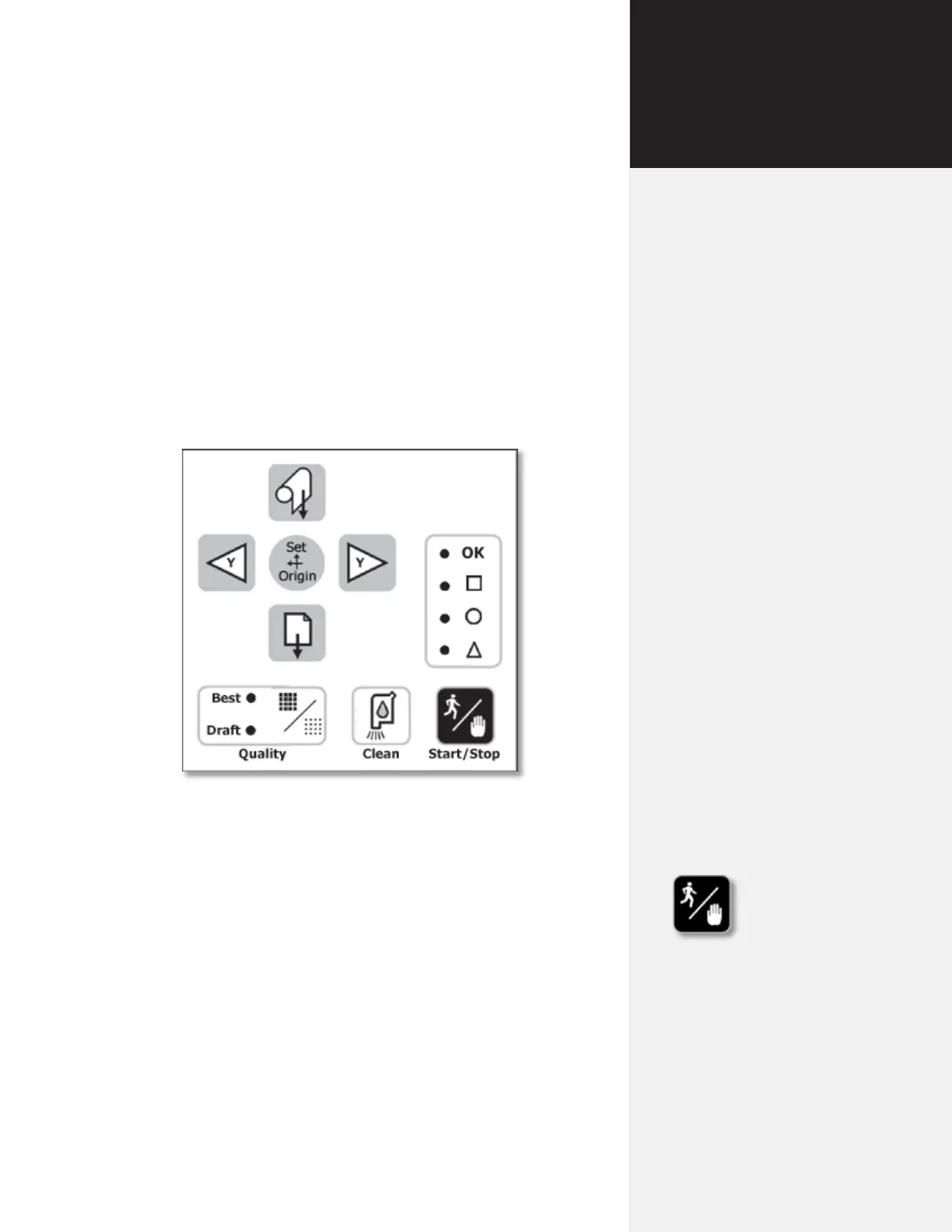
The keypad provides access to the main functions of the FlexJet.
Figure 11. The Printer Keypad.
Start/Stop
The Start/Stop key toggles the FlexJet online and ofine. If the
Start/Stop key is pressed during printing, the OK light turns red
and the machine will stop after it nishes printing the current scan.
The Arrow, Unroll and Paper Advance keys are active when in
STOP mode. When the Start/Stop key is pressed again, the printer
enters START mode, the OK light turns green and printing resumes
exactly where it stopped.
START mode OK = green Arrow keys inoperable,
printer online (ready to re-
ceive instructions).
STOP mode OK = red Arrow keys operable,
printer ofine (not ready to
receive instructions).
Chapter 3
Operation



 To Next Page