The Ioline FlexJet has many fast moving components. Please read
and follow these safety guidelines before beginning operation of the
printer:
n Do not try to repair the machine without factory authoriza-
tion. Only qualied service personnel should attempt any
disassembly or access to internal components. If external
mechanical adjustments are necessary, turn off the printer and
disconnect it from all power sources (both the computer and
the wall outlet).
n Be careful with hair, jewelry, or loose clothing near the printer.
They can become caught in the mechanical parts.
n Never attempt to move the carriage by hand when the power is
on. Always use the Arrow keys to move the carriage. To park
the carriage safely in
the Service Station
and protect the print
cartridges, press the
Clean button.
n Keep hands away
from the carriage
when the printer is in
operation. The car-
riage will automati-
cally move to touch
the left end plate then
back to the right end
(the Service Station
position) when the
power is turned on.
n Never insert hands or other objects into the Service Station
area on the right side of the printer. The carriage occasionally
enters this area without warning and could collide with an
obstruction, potentially causing and injury.
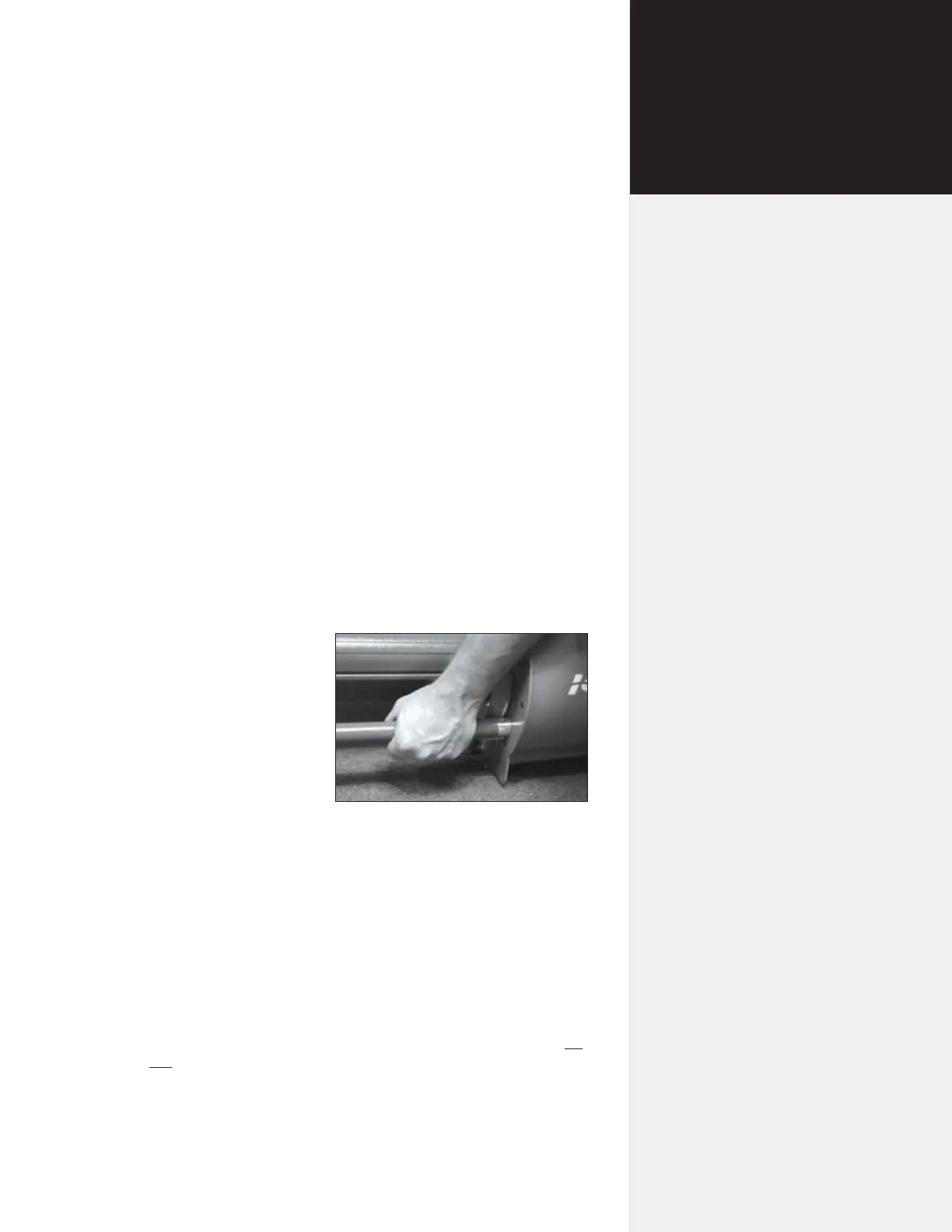
n Be careful when moving or lifting the printer. Moving the print-
er requires at least 2 people. To avoid injury to your ngers, do
not lift the printer by the end covers. Hold the gray bars on the
printer to lift or move it. See Figure 1.
n Keep ngers away from the drive shaft when the printer is in
operation. Serious injury could result.
Figure 1. Lift the printer head using the gray
bars to avoid injury to your ngers.
Safety &
Cautions
ix



 To Next Page