Chapter 4 PROGRAMMING MODE
4.11.8 INSERTING CHARACTER
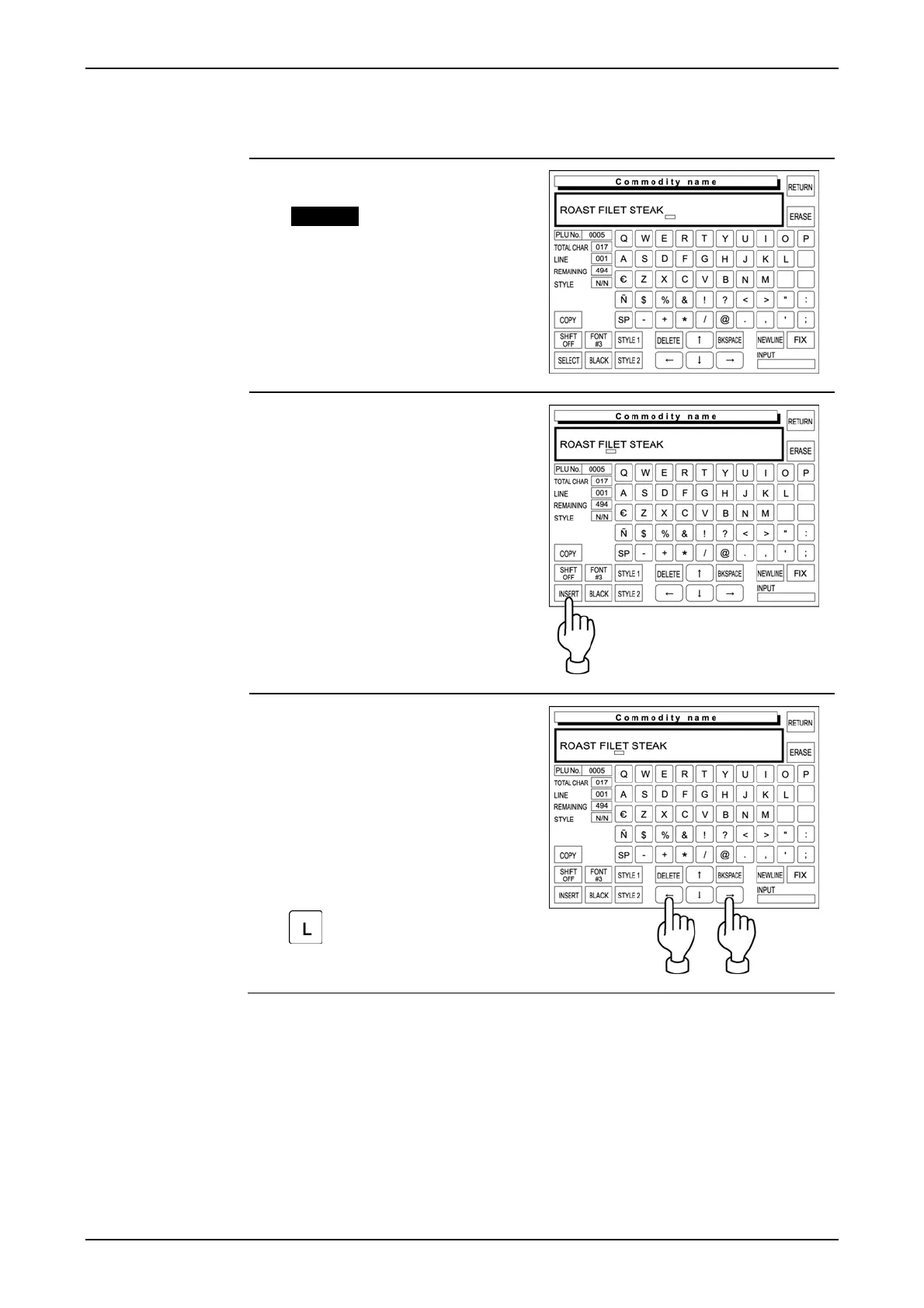
The following procedure is used to insert a character next to the right where the cursor is placed.
1. The displayed text is misspelled.
Example “Roast Filet Steak”
2. Confirm that [INSERT] is selected
on the screen.
When not selected, touch
[SELECT] to change the key
display to [INSERT].
3. Move the cursor to the position
where the character to be
inserted.
Then, enter the character “L”.
IP-EMZ Operation Manual page 4-39



 To Next Page