Chapter 4 PROGRAMMING MODE
4.11.7 DELETING CHARACTERS
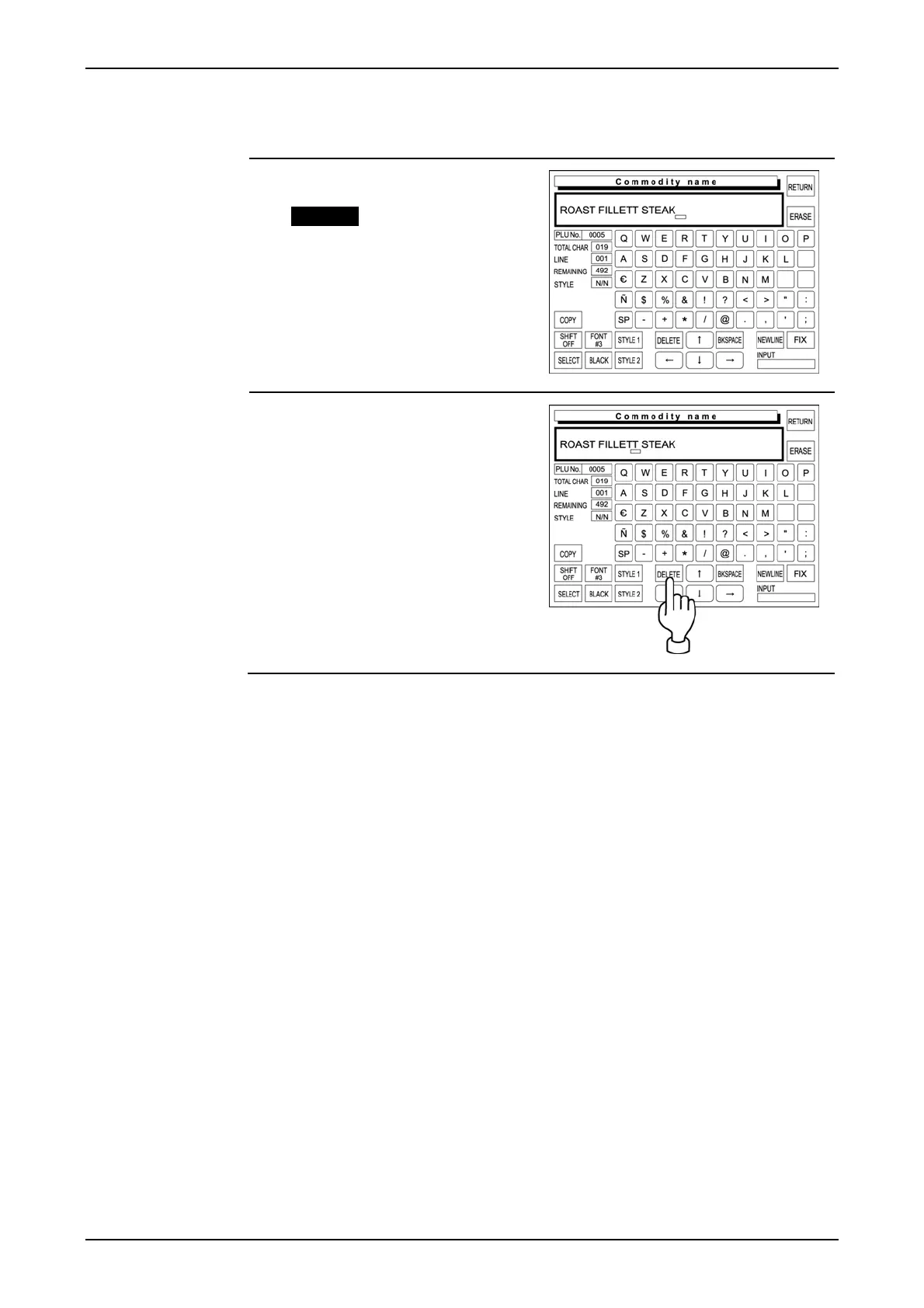
The following procedure is used to delete a character at the position where the cursor is placed.
1. The displayed text is misspelled.
Example “Roast Fillet Steak”
2. Place the cursor at the character
to be deleted.
Then, touch [DELETE] on the
screen to delete the character.
page 4-38 IP-EMZ Operation Manual



 To Next Page