Chapter 2: OPERATION MODE
UNI-3 User’s Manual 2-17
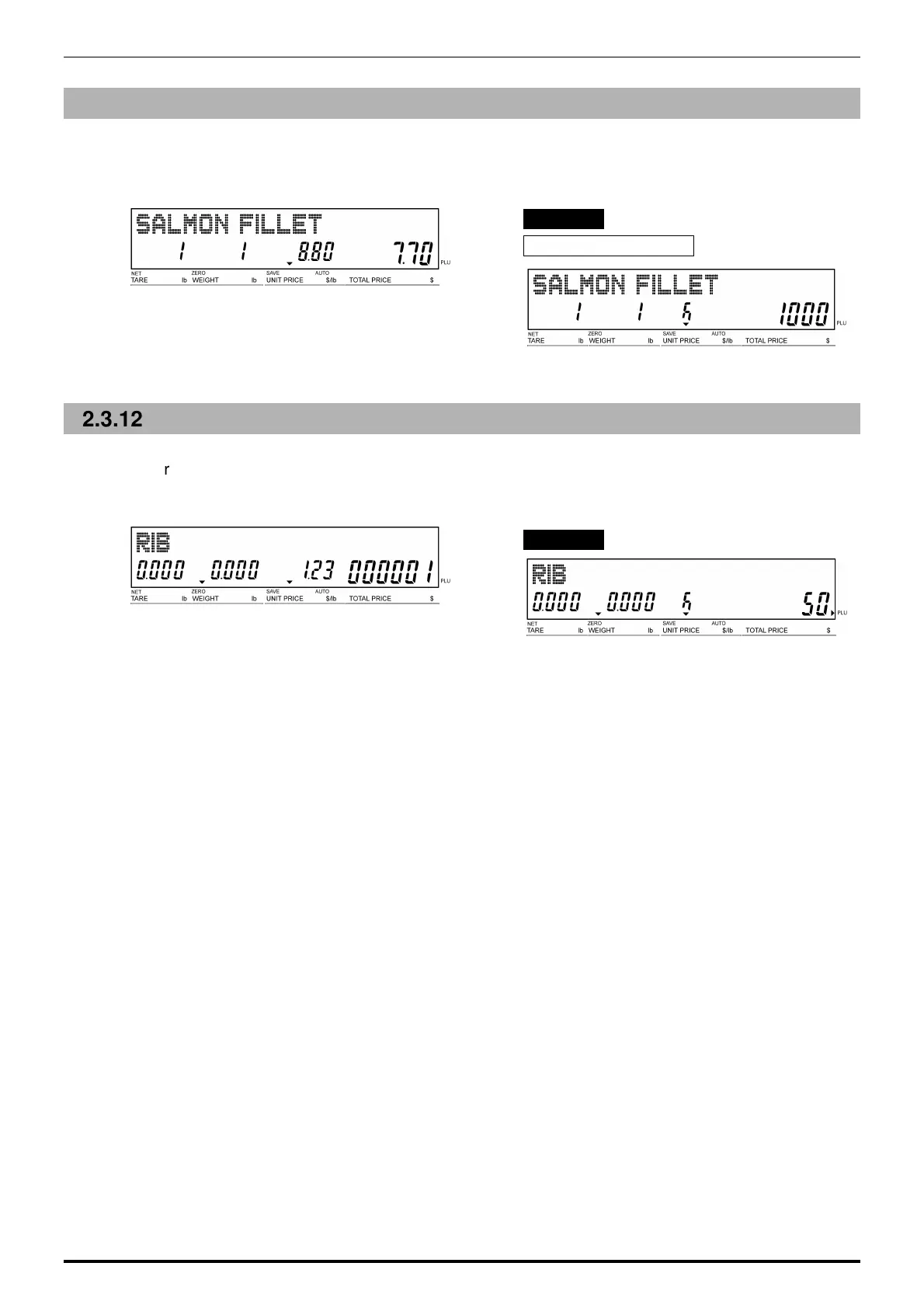
2.3.11 CHANGING FIXED PRICES
1.
Ensure that the designated PLU screen is
displayed.
2.
Enter the price, and press the [FIXED
PRICE] key.
EXAMPLE “$10.00”
Fixed Price Products
2.3.12 DISCOUNTING UNIT PRICES BY AMOUNT
1.
Ensure that the designated PLU screen is
displayed.
2.
Enter the amount to be discounted, and
press the [-$ (U/P)] key.
EXAMPLE Discount amount “$0.50”.



 To Next Page