17
Additional Components
Section 7
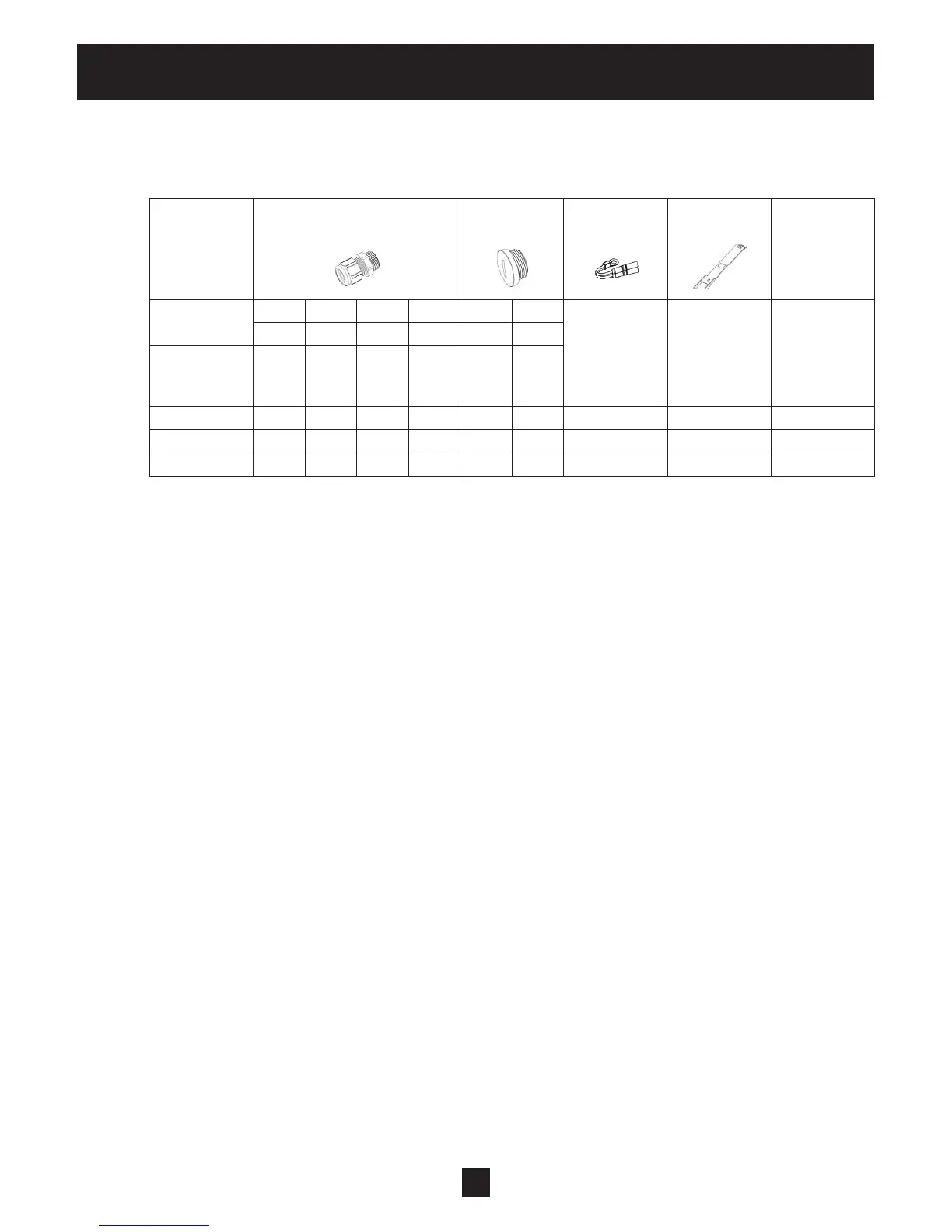
7.1 Cable Glands Provided
Included Cable gland Conduit plugs Thermistor Mounting Centring -
components and lock nut clamps bit
Gland sizer
M M M M M M
12 16 20 25 12 16
Cable
size #8-#1 4,5-10 7-1 3 9-17
AWG
2.015- 2.022 2 (3) 2 2 3 1 1 4 1
4.022- 4.040 2 (3) 2 2 3 1 1 4 1
4.055- 4.110 2 (3) 2 2 3 1 1 4 1
( ) maximum available cable entries
7.2 Assembly Instructions – All models
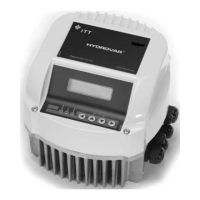
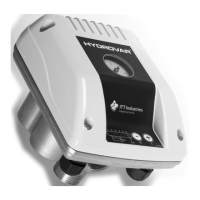
To remove the HYDROVAR cover, loosen the 4 fastening screws.
• Verify that there is no liquid on the unit before you open the cover.
• The HYDROVAR is installed on the motor fan cover using the mounting brackets, the four screws and the
relevant washers.
• Center the HYDROVAR and tighten the four screws holding the brackets.
• Tighten each screw until the two bottom teeth in the brackets start to grip the fan cover.
• After the electrical components are connected, the top cover of the HYDROVAR can be mounted and
tightened by the four fastening screws.
• Ensure the integrity of the ground wire connection. Failure to properly ground the controller or motor
will create an electrical shock hazard.
• Ensure HYDROVAR cover gasket is in place before tightening the cover screws.
• Ensure cable glands are properly installed and close conduit openings that are not being used with
conduit plugs.


 To Next Page