Initial Operation
43
5.7.1 Inserting block and tool holders
After the removal of the transport safety lock, you will be prompted to subsequently insert all
block and tools holders into the device.
For safety reasons, the Wizard asks you to additionally confirm the following steps in the app.
CAUTION! Sharp edges on the block holder.
Cutting injuries.
Only grasp the block holders on the sides marked with arrows.
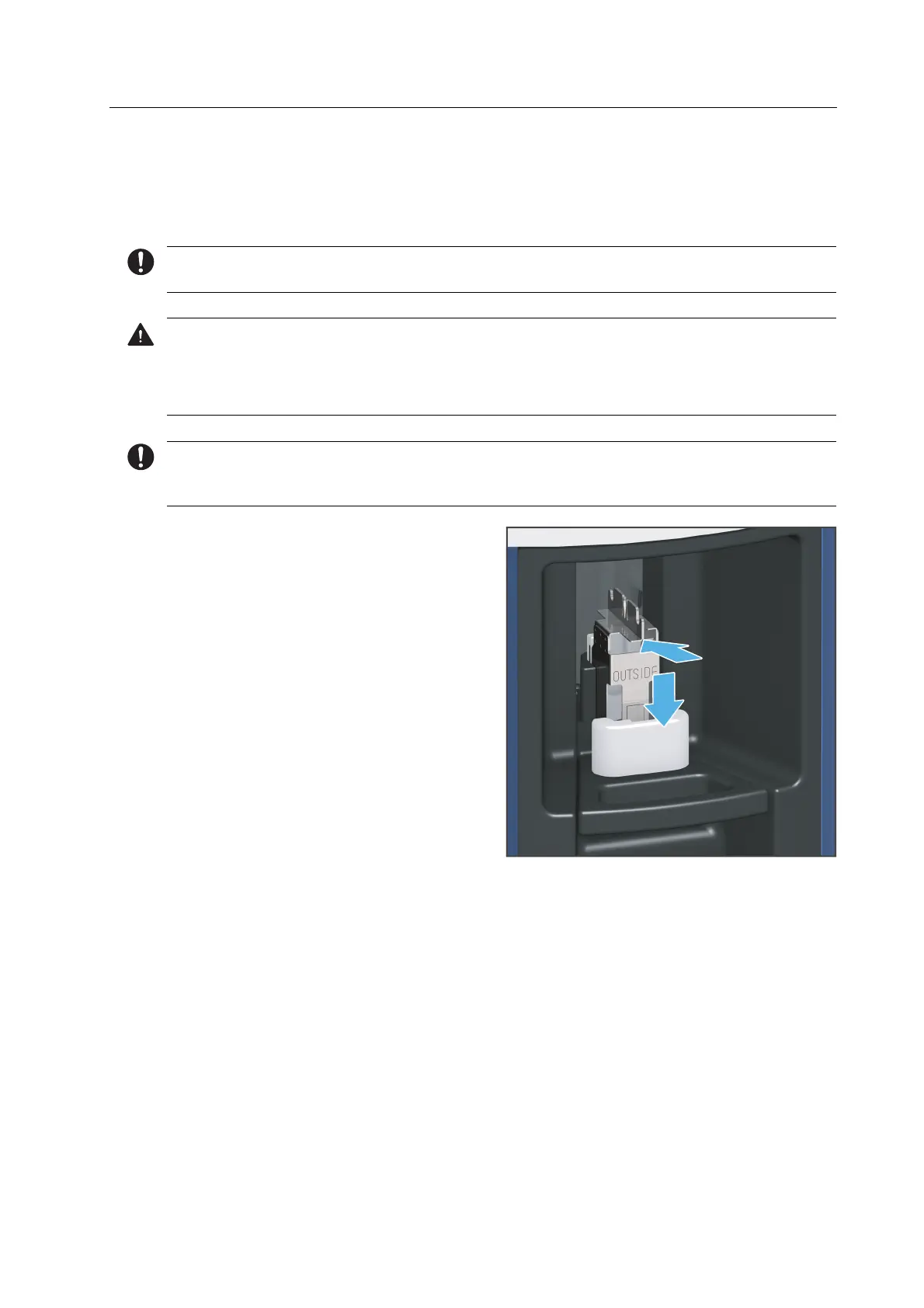
The block holder is equipped with an arrow that indicates the correct insertion direction of the
block holder into the loading aid.
1. Insert the block holder into the loading
aid according to the specified insertion
direction (1).
2. Place the block holder into the loading
aid (2).
3. Press the lever on the loading aid
upwards until a resistance is felt.
Continue to push gently until the block
holder clicks into place.
4. Repeat the procedure for all block
holders.



 To Next Page