Operating the Operating Panel
65
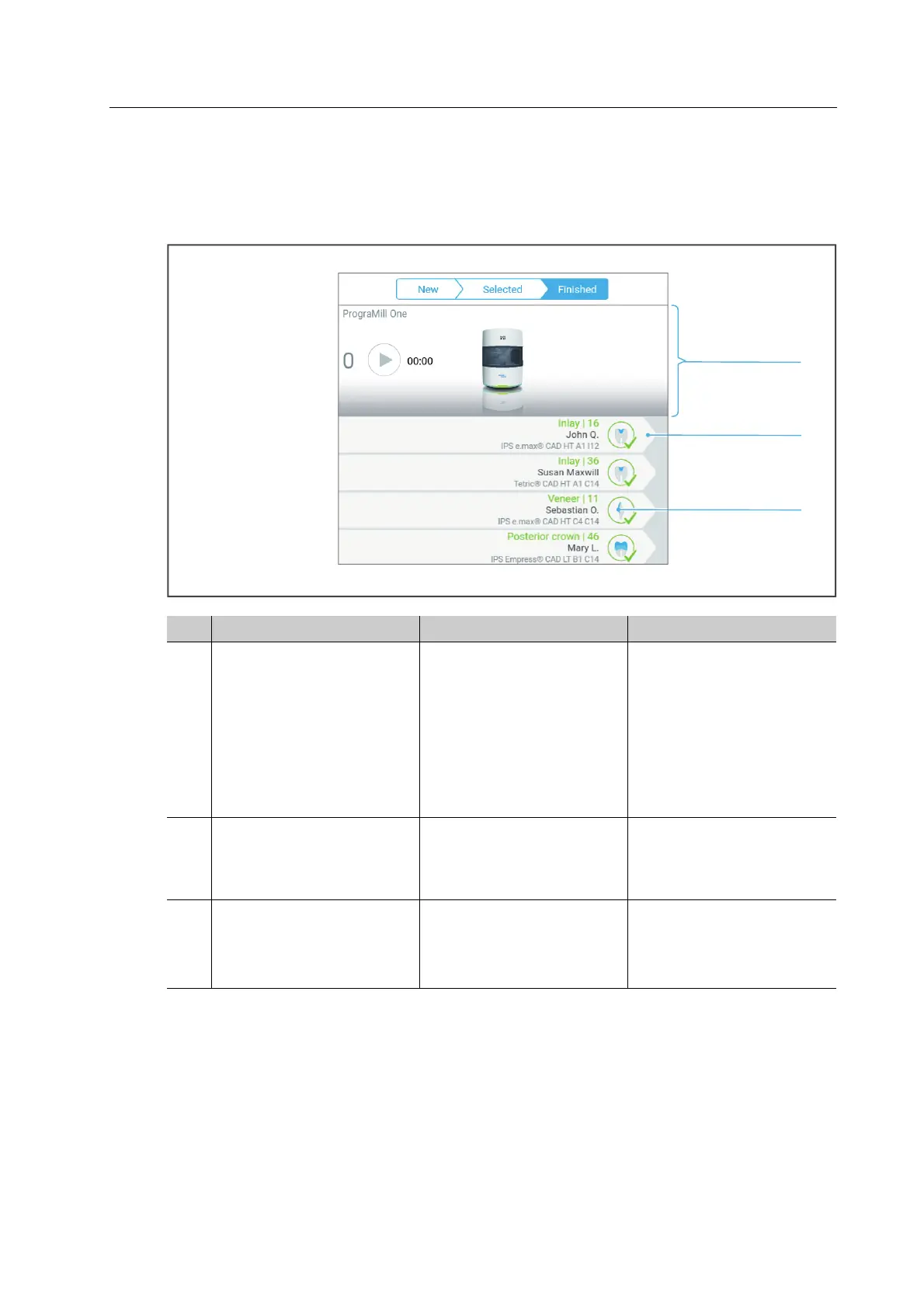
6.4.5 Structure of the tab [Finished]
In the tab [Finished] all successfully completed milling jobs are displayed. Via this tab, milling
jobs can be completed and the finished restorations can be unloaded.
No. Element Description Reference
1 Status display • Summary of the
pending and running
milling jobs
• Symbols to start and
pause the milling jobs
• Top task from the main
menu [ToDo]
• Device status
“Structure of status
display”, page 61
2 Unload milling job Section for milling job
completion and
unloading the final
restoration (tap)
“Completing / unloading
the finished milling job”,
page 112
3 Type and status of the
milling job
Type of restoration
produced, and indication
that the milling job has
been completed.
• “Type of milling job”,
page 59
• “Status of the milling
job”, page 59



 To Next Page