Operating the Operating Panel
61
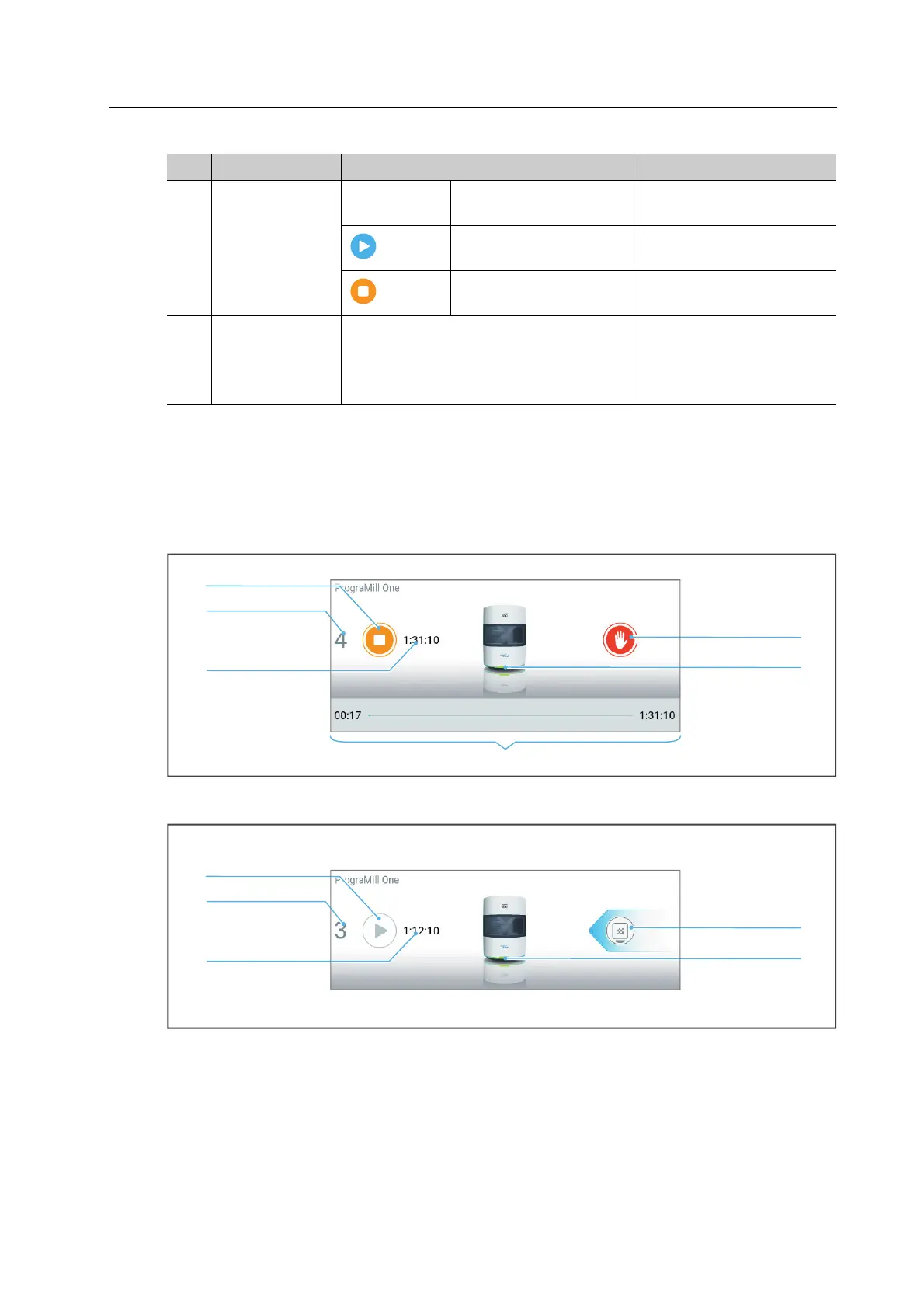
Structure of status display
The status display is used to display and control the 5 selected milling jobs. The display changes
depending on the status of the milling jobs (tasks to be performed, start, stop, pause).
Example of a running milling job:
Example of a pending milling job with tasks that must be done:
3 Processing
status of the
milling jobs
(status only)
1, 2, 3, etc. Milling job ready for
milling, not yet started
“Preparing milling jobs”,
page 89
Milling job is being
processed
-
Milling job not yet
started
-
4 Type and status
of the milling
job
Type of restoration produced and
current status of the milling job
• “Type of milling job”,
page 59
• “Status of the milling
job”, page 59
No. Element Description Reference



 To Next Page