Operating the Operating Panel
68
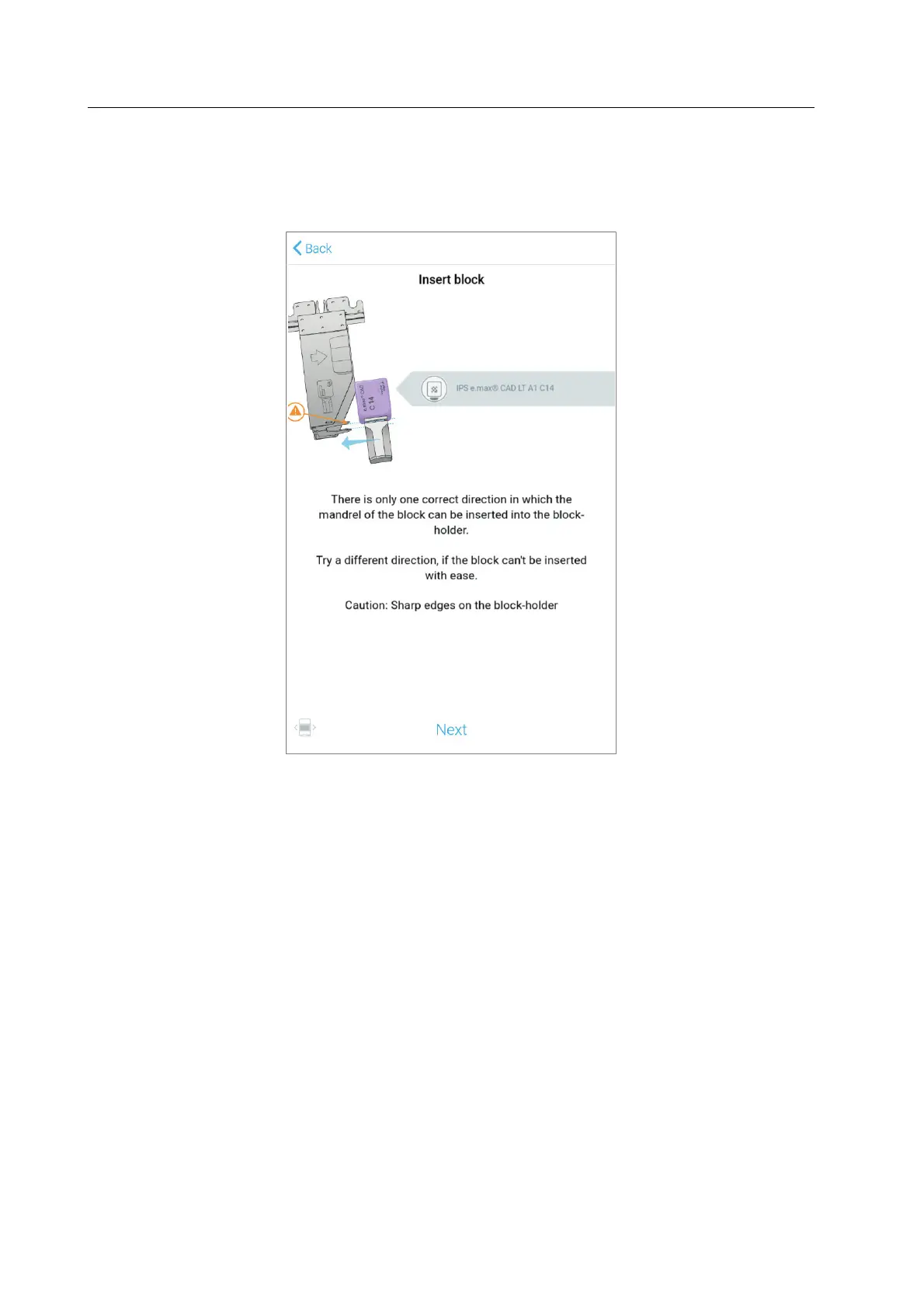
If you tap on the respective list entry, the Wizard will guide you step by step through the
processing of the respective task(s).
Example: Insert the required blocks into the block holder (example illustration):
After successfully completing the tasks, the jobs can be started in the [Cases] menu (“Main
menu [Cases]”, page 56).



 To Next Page