Operating the Operating Panel
69
6.5.1 Status displays in the section [Maintenance]
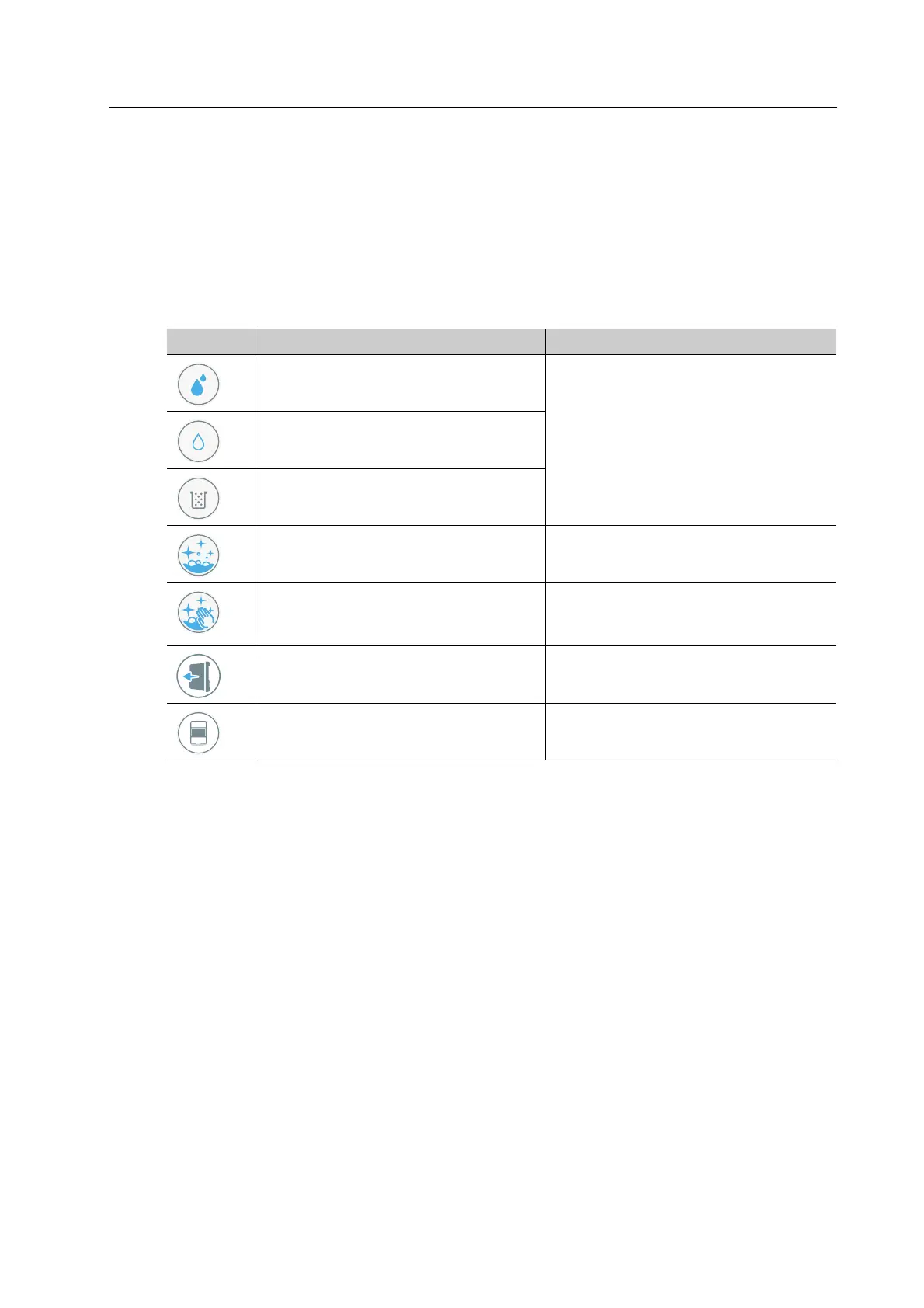
In the [Maintenance] section, the symbols provide information on the status of the tank, the
filter, and the cleaning status of the unit. If you tap on the respective list entry, the Wizard will
guide you step by step through the processing of the respective task(s) (e.g. conduct cleaning,
etc.).
The following list of features corresponds to the state of knowledge at the time of going to
print. With the introduction of new features, this list will be continuously updated.
Element Description Reference
Water level too high “Changing/Refilling the water in the
main tank and changing the filter”,
page 83
Water level too low
Filter change required
Perform the automatic cleaning
procedure
“Performing the automatic cleaning
procedure”, page 127
Perform the manual cleaning
procedure
“Carrying out manual cleaning work
on the housing and in the milling
chamber”, page 128
Loading aid removed, device in
maintenance mode
-
Perform general device-related tasks,
e.g. start-up
-



 To Next Page