mP4G/mP4GL Series Motherboard
○○○○○○○○○○○○○○○○○○○○○○○○○○○○○○○○○○○○○○○○○○○○○○○○○○
User’s Manual
2•10
○○○○○○○○○○○○○○○○○○○○○○○○○○○○○○○○○○○○○○○○○○○○○○○○○○
Drive Connectors
There are three drive connectors on the motherboard for
connecting IDE and floppy disk drives.
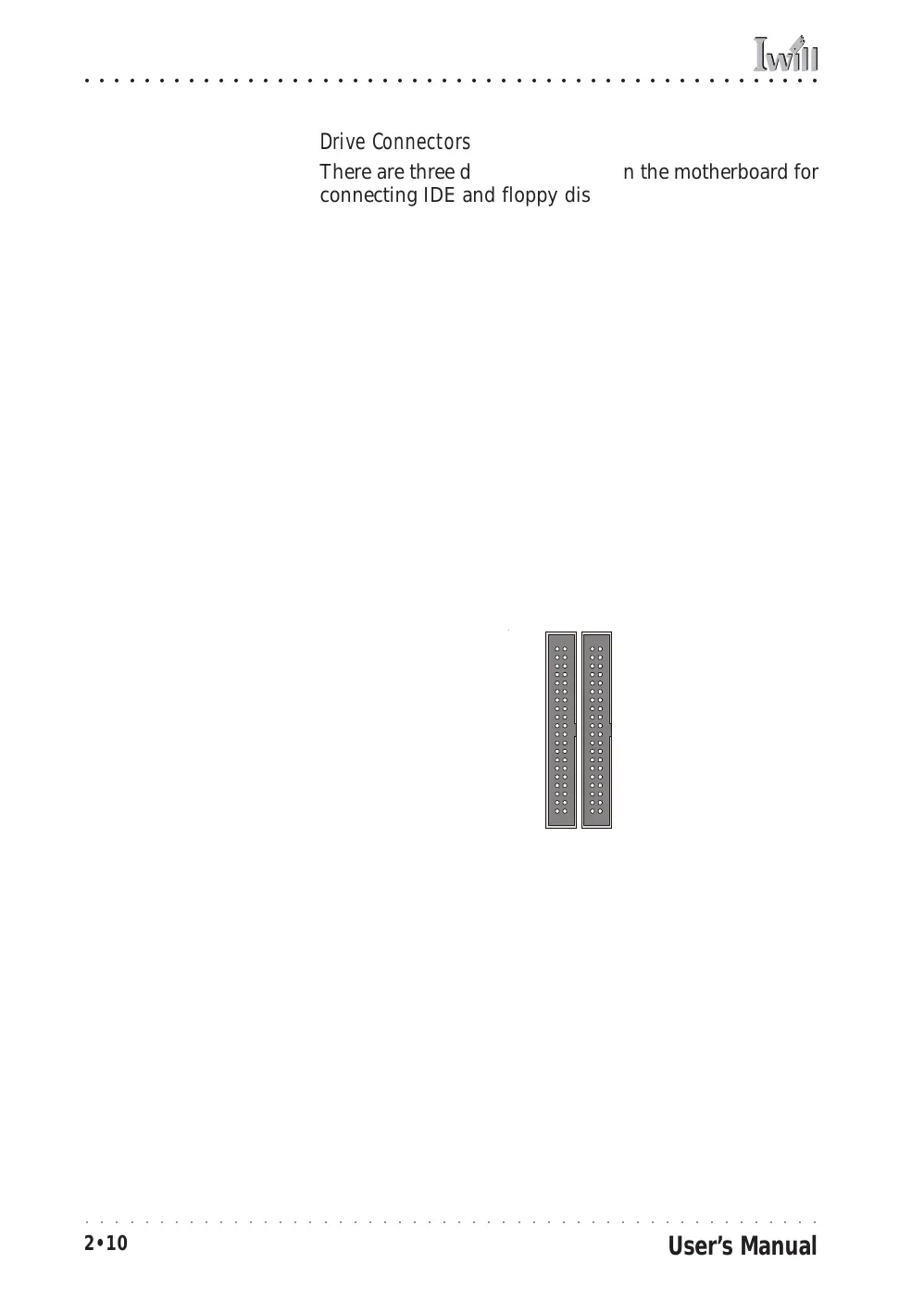
IDE Drive Connectors
Function: The two IDE connectors, marked ‘Primary’ and
‘Secondary’, are for connecting IDE drives to the
motherboard.
Description: The IDE controller on the motherboard sup-
ports IDE devices running in all modes up through ATA-
100. There are two IDE drive connectors. Each connec-
tor supports two drives, a ‘Master’ and a ‘Slave’ which
connect to the motherboard with a ribbon cable. The
supplied cable supports transfer modes through ATA-100.
More Information: See the section on “Connecting In-
ternal Peripherals” in Chapter 5 for instructions on con-
necting IDE drives. Technical specifications are listed in
Chapter 7.
Secondary IDE2
Primary IDE1
IDE Drive Connectors
The channels are labeled
on the board.
IDE1,2



 To Next Page